

Equip Your Hauler
Assign the hauler role by giving your robot a chest and  clipboard. This robot becomes your automated logistics worker, moving items between storage boxes and your
 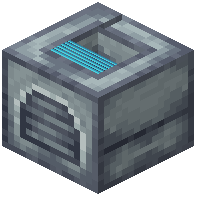 Docking Station.
Configure Routes and Storage
Place your Docking Station between source and destination containers. The hauler will automatically detect nearby chests and transfer items based on your clipboard configuration. Set up multiple haulers if you need to move large quantities or connect distant storage areas.
Optimize Movement
Equip Red disk upgrades to speed up transport cycles, especially if items need to travel far. Use Green disks if battery life is a concern with frequent trips. For multi-level bases, add a  Propeller Unit to let your hauler navigate vertical spaces more efficiently.
Advanced Setup
Connect your hauler to a central hub system where multiple robots deposit their gathered resources. This creates an automated supply chain—miners and farmers deposit to one chest, and haulers redistribute to crafting stations or storage rooms. Use different colored robots to visually track which hauler handles which route.