
Set Up Your First Robot Farm
Create and Equip Your Farmer Robot
Start by crafting a robot and placing it near your 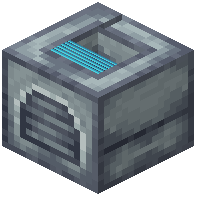 Docking Station. Give your robot a hoe and wheat to assign it the farmer role. The robot will now automatically plant and harvest crops in a designated area around the station.
Optimize Your Setup
Place your Docking Station in the center of your crop field for maximum coverage. Install a Green disk upgrade to reduce battery drain—farming is energy-intensive. Add a  Solar Array to your robot so it charges during the day without needing manual battery swaps.
If your farm is large, consider adding a Blue disk to extend the robot's working range beyond the station's immediate vicinity. Monitor battery levels and swap in fresh batteries during night cycles, or install multiple Solar Arrays for continuous operation.
Boost Efficiency
Equip Red disk upgrades if you want faster harvesting, though this increases power consumption. Pair this with extra battery capacity or additional charging infrastructure. For best results, keep your farmer robot well-maintained and replace worn tools regularly to avoid slowdowns.