

Blocks Not Placing
Ensure your inventory contains the blocks you want to place. The 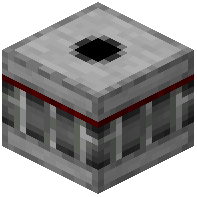 Bridge Maker cannot place blocks if your inventory is empty or contains only non-block items. Check that you have a valid redstone signal reaching the block.
Unexpected Gaps in Structure
Remember that the Bridge Maker replicates your exact inventory layout. If your structure has gaps, check your inventory for empty slots. Rearrange your blocks to be consecutive if you want a solid structure.
Height Limitations
The Bridge Maker has a maximum building height. If your structure stops before reaching where you expected, you've hit this limit. Plan your builds accordingly or use multiple Bridge Maker blocks placed higher up to extend further.
Blocks Not Removing
The Bridge Maker only removes blocks it previously placed. If blocks remain after sending a removal signal, they were placed by other means. Verify the redstone signal is active and the Bridge Maker block itself is intact.