

Contents (3)
Leveraging 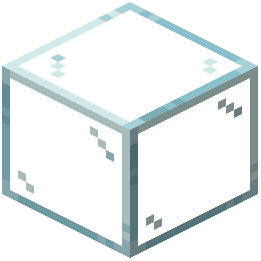 Glass for Atmospheric Effects
The Better Clear Glass Resource Pack is particularly effective for creating fog effects in enclosed spaces. The borderless, clear textures combined with connecting geometry allow you to build rooms where glass ceilings or walls create atmospheric depth.
Creating a Fog-Effect Interior
1. Build an enclosed room with walls and a floor of solid blocks
2. Replace the ceiling or upper walls with glass using the resource pack textures
3. Add lighting inside the room—the glass will interact with light sources to create a hazy, atmospheric appearance
4. Position the player inside and look upward or outward to see the fog effect; the clear glass combined with connecting textures creates visual depth
5. Experiment with different light levels to adjust the intensity of the atmospheric effect
Enhancing the Effect
Pair glass ceilings with fog or particle effects for maximum atmosphere. The borderless nature of this pack's textures means there are no distracting grid patterns breaking up your view. This works especially well for underground bases, greenhouses, or observation chambers where you want players to feel immersed in an environment while maintaining visibility.