
Creating Seamless Glass Walls and Panels
Using Connecting Textures for Clean Builds
The Better Clear 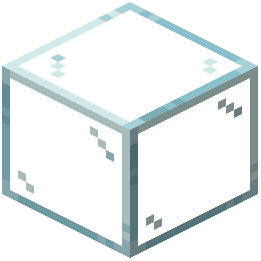 Glass Resource Pack uses connecting textures to make glass panes blend seamlessly. When you place glass blocks or panes adjacent to each other, the textures automatically connect, eliminating the visible grid lines that normally appear in vanilla Minecraft.
Steps to Build Seamless Glass Structures
1. Place your glass blocks or panes in the pattern you want—walls, windows, or large panels all work the same way
2. Ensure blocks are touching so the connecting texture system activates between adjacent panes
3. View from different angles to see the realistic effect; the glass appears clearest when viewed head-on and more reflective at oblique angles, mimicking real glass behavior
4. Combine with other blocks around the edges—the pack works best when glass is framed by solid materials like wood, stone, or metal
Tips for Best Results
Large continuous glass surfaces show the most dramatic improvement over vanilla textures. Avoid single isolated panes, as the effect is most noticeable with multiple connected blocks. The fog effect mentioned in the pack description works particularly well in enclosed spaces with glass ceilings or walls.