

Connect Your Visual Devices
Once your speaker and  DJ Controller are wired together, you can chain additional devices to the same cable network:
- Stage lights (laser, disco ball, or spotlight)
- Smoke machines
- LED screens
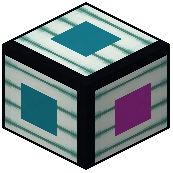 Pixel light strips
- Spark fountains
Run cables from each device back to the DJ Controller or to the main speaker cable line. All devices on the same network will synchronize to the music being played.
Configure Individual Effects
Right-click each device to open its settings:
- Lasers: Choose between sweep, pulse, or fan beam patterns.
- Disco balls: Rotate, sparkle, or orbit around a center point.
- Smoke machines: Select from continuous, burst, pulse, rolling, haze, wave, ramp, swell, intermittent, or random modes. Adjust spread and output speed.
- Pixel strips: Pick from 16 animation modes like rainbow, comet, or strobe.
- Spotlights: Set them to track the nearest player or a specific target.
Start your music, and all effects will respond together, creating a cohesive light show.