

Contents (3)
Build Train Stations in Both Towns
Construct a 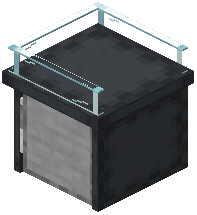 Train Station in your main colony and a second one in a distant settlement or allied town. The Station Master will automatically manage the connection once both are operational.
Configure Import and Export Orders
Open the Train Station interface and access the export menu. Select items you have in surplus—wood, stone, crops, or crafted goods—and set them for export. In your destination colony's Train Station, create import orders for resources you need. The Station Master will coordinate minecart deliveries along rail tracks connecting the two stations.
Monitor Trade Routes
Check your Train Station regularly to ensure minecarts are moving and trades are completing. If routes stall, verify that:
- Rail tracks are properly laid and connected between stations
- Both Station Masters are employed and not on break
- Your destination colony has storage space for incoming goods
- Export items are actually available in your warehouse
Once running smoothly, trade routes provide a steady supply of resources without manual effort, freeing your citizens to focus on other tasks.