

Create an 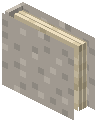 Album Container
Craft an Album item, which can hold up to nine custom music discs in a single inventory slot. This is ideal for organizing themed playlists or keeping related tracks together.
Dye Your Album Cover
Use the 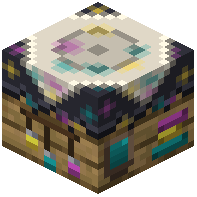 Disc Dyeing Table to customize your album's appearance. You can pick separate colors for the record surface and accent details, making each album visually distinct and easy to identify at a glance.
Store and Play
Place your custom discs into the album. When you want to play a track, remove the disc from the album and place it into a jukebox or 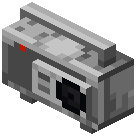 Boombox. Albums make it easy to carry multiple songs without cluttering your inventory.