

Adapting to Revised Ore Appearance
Misas Realistic redesigns ore textures for greater realism, which means ores may look significantly different from vanilla Minecraft. This can make resource gathering confusing until you learn the new visual language.
Finding Resources Effectively
Study Each Ore: Spend time in creative mode or a test world examining each ore type at close range. Notice the color palette, surface texture, and how light reflects off each variant. Iron, gold,  diamond, and
  emerald now have distinctly realistic appearances.
Overworld vs. Nether: Remember that ore textures differ between dimensions. Nether ores like ancient debris and nether gold have their own realistic styling that may look unfamiliar initially.
Strip Mining Strategy: Use strip mining to expose ore faces. The realistic textures become more recognizable when you see them in context against surrounding  stone and
 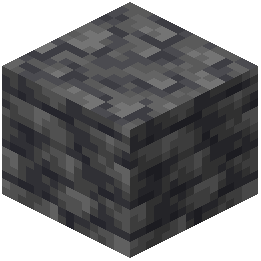 deepslate.
Lighting Consideration: Ores appear different under various lighting conditions. Bring adequate lighting to mining operations so you can see the true colors and details of ore textures.
Reference Guide: Keep a quick mental reference of ore colors: warm tones for gold and copper, cool tones for diamond and lapis, rusty tones for iron.