
Navigating the Nether with Enhanced Visibility
Understanding the New Nether Aesthetic
Misas Realistic transforms the Nether into a visually complex environment with improved textures and atmospheric details. This enhanced realism can make navigation more challenging due to increased visual density and shadow detail.
Tips for Safe Exploration
Lighting Strategy: Place torches or lanterns more frequently than you normally would. The realistic textures and improved lighting effects mean darker pockets form more naturally around terrain features. Mark your return path clearly—the enhanced visuals make it easier to become disoriented.
Terrain Reading: Take time to study the new block textures before deep exploration. 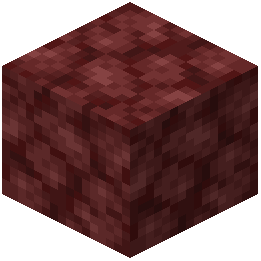 Netherrack,
 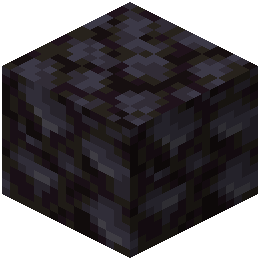 blackstone, and ore variants now have more distinct appearances. Learn to quickly identify dangerous blocks like magma and
 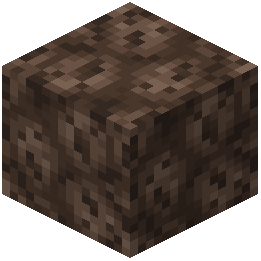 soul sand by their updated textures.
Render Distance: If your device struggles, consider lowering render distance slightly. The realistic pack increases visual complexity, and maintaining smooth performance helps you react faster to threats.
Biome Navigation: Use the distinct visual characteristics of different Nether biomes as landmarks. The realistic texturing makes each biome more visually distinct, which aids navigation when combined with a mental map.