

 DownloadYitality Resource Pack
Get the files on 9Minecraft
Contents (3)
Choose Blocks That Benefit Most from PBR
Yitality enhances blocks with varied material properties. Prioritize:
- Metals (iron, copper, raw ore blocks) — gain mirror-like shininess
- Polished blocks (
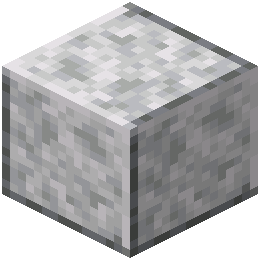 polished diorite,
 andesite, blackstone) — show reflections and depth
 Glass and ice — become transparent with reflective surfaces
- Wool and fabric — appear soft and textured
 Stone and
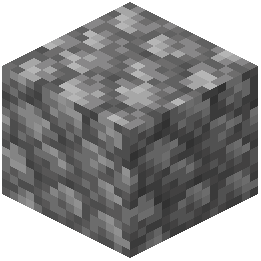 cobblestone — display bumpy parallax-mapped surfaces
- Wood — darkens realistically when wet
Design with Lighting in Mind
PBR materials react strongly to light direction. Build with this in mind:
- Place lanterns and glowing blocks to cast soft light across polished surfaces
- Use contrasting materials (shiny metal next to matte stone) to highlight the depth effect
- Create wet areas near water to see wood darkening and puddles forming on stone
- Build hallways or enclosed spaces where subsurface scattering through
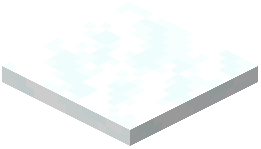 snow or resin glows visibly
Layer Your Materials
Combine multiple block types in one structure. A marble pillar (polished blocks) next to an iron fence with a glowing  lantern on top will demonstrate reflections, shininess, and emissive lighting together.