
Purebdcraft New 256X Resource Pack Wiki

Purebdcraft New 256X Resource Pack Wiki & Guide
wiki.9minecraft.net/purebdcraft-new-256x-resource-pack/
The community wiki and guide for Purebdcraft New 256X Resource Pack — guides, recipes, items and mechanics.
What this pack changes
Every texture group the pack replaces, counted from the pack itself.
| Area | Textures replaced |
|---|---|
| Blocks | 1,174 |
| Mobs & entities | 660 |
| Items | 545 |
| GUI & menus | 493 |
| Block Alt | 295 |
| Particles | 254 |
| Addons | 190 |
| Item Alt | 165 |
| Armor trims | 93 |
| Entity Alt | 79 |
| Paintings | 56 |
| Status effects | 39 |
| Maps | 37 |
| Models | 30 |
| Sky & weather | 17 |
| Misc | 7 |
| Font | 3 |
| Biome colours | 2 |
Pack format 34–75 (Minecraft 1.21.2–1.21.9)4,139 texture files in total
Extra features
Custom entity models (OptiFine/CEM)
Custom font
Custom sounds
Sound overrides
Custom block/item models
Reworked GUI
Guides
Step-by-step, in-game.
How to Activate PureBDcraft New 256x and Tune Settings for Smooth PerformanceHow to Build Comic-Style Bases with 256x Palettes and Extra Block ShapesHow to Combine PureBDcraft New 256x with Shaders and Companion PacksHow to Design Comic-Style Farms, Gardens, and Coral AquariumsHow to Explore Caves and Biomes with Funny Fantasy Mobs and Geeky DetailsHow to Navigate the Revamped Comic UI and Organize 256x Items Clearly
Items
330 items · showing 24. Browse all →
 Acacia Boat
 Acacia Sign
 Amethyst Shard
 Angler Pottery Sherd
 Apple
 Archer Pottery Sherd
 Armadillo Scute
 Armor Stand
 Arms Up Pottery Sherd
 Arrow
 Baked Potato
 Bamboo
 Bamboo Raft
 Bamboo Sign
 Banner Pattern (Mojang)
 Banner Pattern (Skull)
 Banner Pattern (Creeper)
 Banner Pattern (Globe)
 Banner Pattern (Guster)
 Banner Pattern (Flow)
 Banner Pattern (Flower)
 Banner Pattern (Piglin)
 Barrier
 Beetroot
Blocks
448 blocks · showing 24. Browse all →
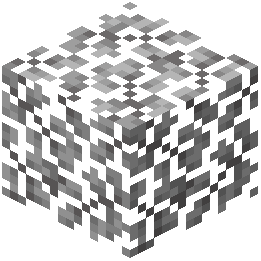 Acacia Leaves
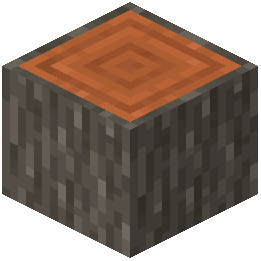 Acacia Log
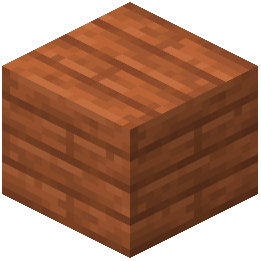 Acacia Planks
 Acacia Sapling
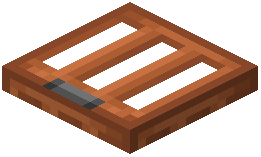 Acacia Trapdoor
 Activator Rail
 Allium
 Amethyst Cluster
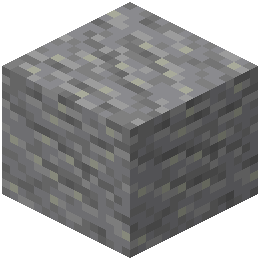 Andesite
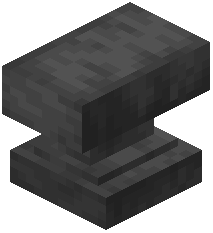 Anvil
 Attached Pumpkin Stem
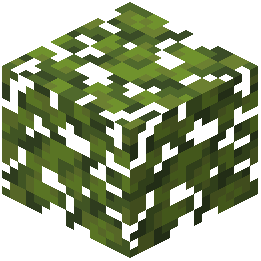 Azalea Leaves
 Azure Bluet
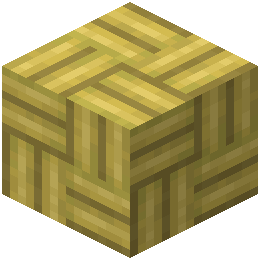 Bamboo Mosaic
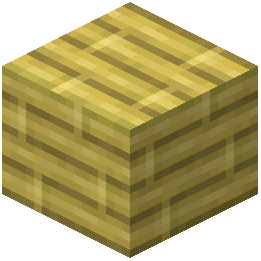 Bamboo Planks
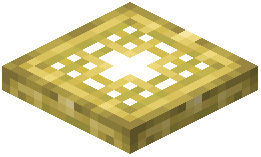 Bamboo Trapdoor
 Beacon
 Bedrock
 Big Dripleaf Stem
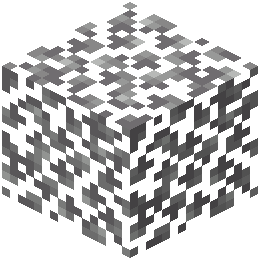 Birch Leaves
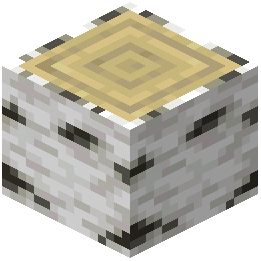 Birch Log
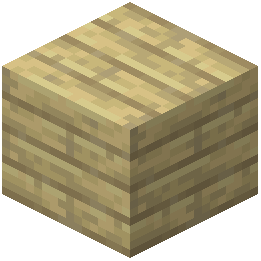 Birch Planks
 Birch Sapling
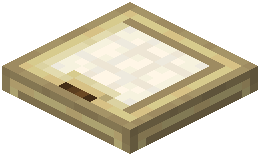 Birch Trapdoor
Frequently asked questions
How do I activate PureBDcraft New 256x Resource Pack in Minecraft?
Drop the pack archive into your Minecraft resourcepacks folder, open Options followed by Resource Packs, and move PureBDcraft New 256x Resource Pack into the Selected list. Place it at the very top so no other pack overrides its textures or UI, then click Done and wait for assets to reload.
Why does Minecraft take longer to load after enabling PureBDcraft New 256x?
Because the pack repaints hundreds of blocks, items, creatures, skies, and UI menus in high-definition 256x artwork alongside custom Minecraft block models, reloading takes noticeably longer than with default textures. Let the loading screen finish naturally instead of closing the window early so every texture atlas builds completely.
What should I adjust if the 256x textures cause lag or stuttering?
Increase your Java memory allocation in the Minecraft launcher settings so the client can hold the high-definition 256x texture atlas comfortably without hitching. Inside Options > Video Settings, slightly lowering render distance, simulation distance, and mipmap levels helps smooth out frame pacing while keeping close-up hand-painted details crisp.
How does PureBDcraft New 256x change the visual style of Minecraft?
The pack transforms the entire game into a living hand-drawn comic book from the ground to the sky, redrawing grass, trees, water, blocks, mobs, and items with bold outlines and hand-painted shading. It also sprinkles small geeky references and playful hidden details across textures for you to spot while playing.
See all 16 Purebdcraft New 256X questions ›
Related mods
Other wikis you may find useful.