

What this pack changes
Every texture group the pack replaces, counted from the pack itself.
| Area | Textures replaced |
|---|---|
| Mobs & entities | 761 |
| GUI & menus | 534 |
| Blocks | 58 |
| Sky & weather | 15 |
| Items | 6 |
| Particles | 4 |
Pack format 34–88 (Minecraft 1.21.2–1.21.9)1,378 texture files in total
Extra features
Custom block/item models
Reworked GUI
Guides
Step-by-step, in-game.
How to Adjust GUI Scale for the Custom Character ArtworkHow to Combine the Anime GUI with Other World Texture PacksHow to Improve First-Person Visibility with Shields and TotemsHow to Verify All Custom Station and Menu Screens
Items
 Totem of Undying
Blocks
C
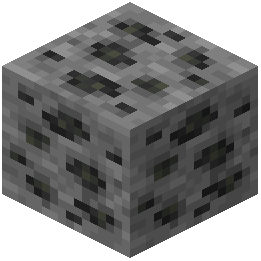 Coal Ore
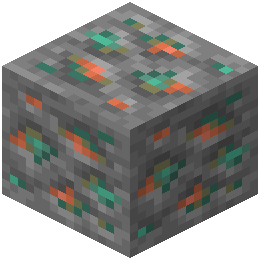 Copper Ore
D
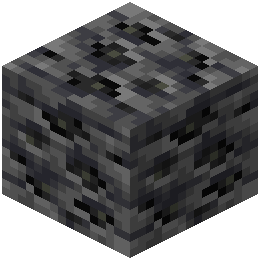 Deepslate Coal Ore
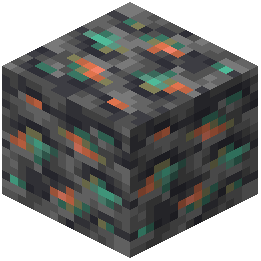 Deepslate Copper Ore
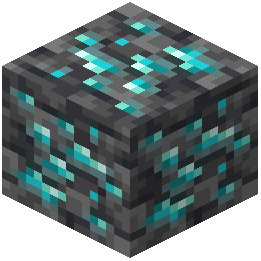 Deepslate Diamond Ore
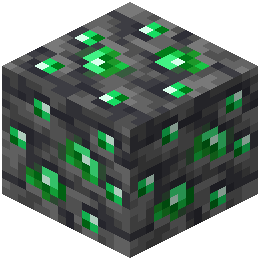 Deepslate Emerald Ore
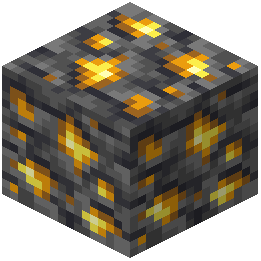 Deepslate Gold Ore
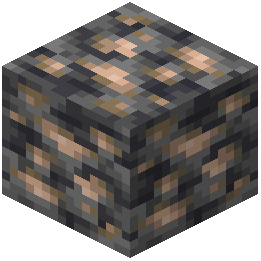 Deepslate Iron Ore
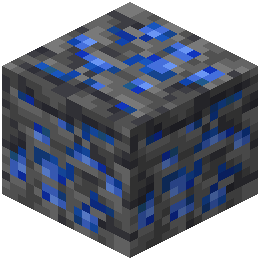 Deepslate Lapis Lazuli Ore
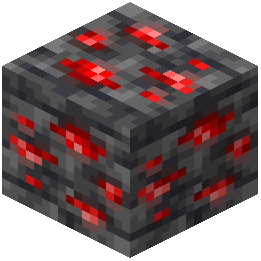 Deepslate Redstone Ore
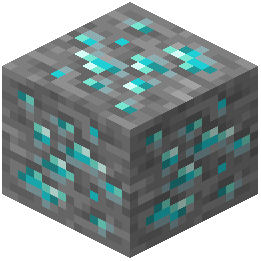 Diamond Ore
E
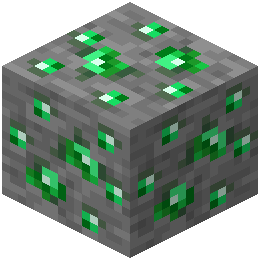 Emerald Ore
G
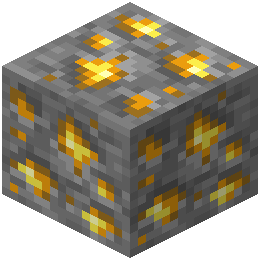 Gold Ore
I
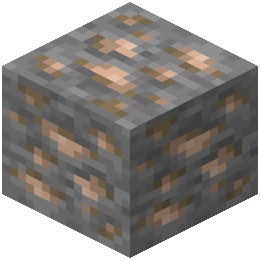 Iron Ore
L
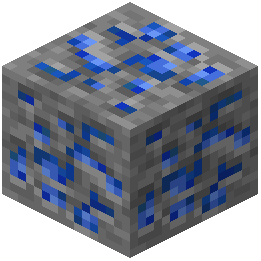 Lapis Lazuli Ore
N
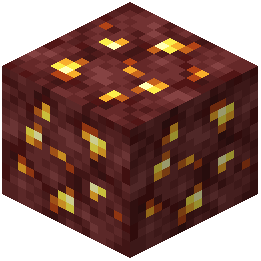 Nether Gold Ore
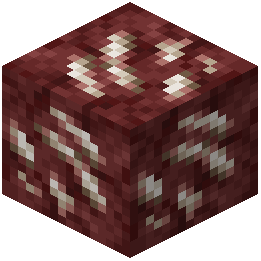 Nether Quartz Ore
R
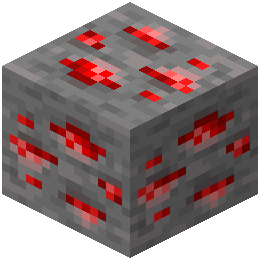 Redstone Ore
Frequently asked questions
Why haven't the blocks in my world changed after enabling this pack?
This resource pack only updates the user interface and specific held items, leaving default world block textures completely unchanged. To verify the pack is active, open your inventory or interact with a crafting table to see the custom character artwork.
How do I use these anime menus alongside a different block texture pack?
In your Resource Packs menu, place this pack directly above your main world texture pack in the active list. Because this pack does not include block textures, your world will use the lower pack's blocks while keeping the custom anime interfaces and compact battle items.
Why are my Shield and Totem of Undying so small in my hand?
The pack intentionally shrinks and lowers both the Shield and the Totem of Undying in your first-person view. This is designed to clear up screen space and give you better visibility during combat and normal survival gameplay.
Which block menus actually have the custom character art?
The artwork covers standard storage and crafting blocks like chests, crafting tables, furnaces, anvils, and beacons. It also updates villager trading screens and utility stations including the stonecutter, grindstone, smithing table, loom, and cartography table.
Does this resource pack change the creative mode menu too?
Yes, both the creative inventory tabs and the item search menus are replaced with themed layouts. You will see the custom styling whether you are playing in survival or browsing items in creative mode.
The character art on my inventory screen looks cut off or too small, how do I fix it?
Open your Video Settings and adjust the GUI Scale option until the menu artwork fits your screen comfortably. Lowering or raising the scale will resize the custom containers so the full artwork is clearly visible.
Why are my menus still showing the normal textures when I use other packs?
Another resource pack is likely overriding the menu files because it is higher in your load order. Move this pack to the very top of the active Resource Packs column so its interface textures load last and take priority.
Can I use the custom menus and smaller shields on multiplayer servers?
Yes, because this pack only alters client-side interface screens and first-person item sizes, it works on any multiplayer server. However, if a server forces a mandatory custom resource pack, it may overwrite these menus while you are connected.
Do I need a separate utility pack for a lower shield if I use this?
No, a compact Shield and Totem of Undying are already built directly into this pack. You can remove any standalone low-shield packs to avoid texture conflicts.
Will these custom menus cause lag or drop my framerate?
No, replacing two-dimensional menu screens and shrinking held item models has no noticeable impact on game performance. Since the default world textures remain untouched, your framerate during exploration and combat will stay the same.