

 DownloadDungeons Dirt Resource Pack
Get the files on 9Minecraft
Underwater 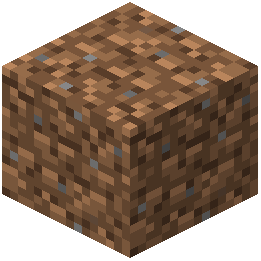 Dirt Textures
This pack includes special textures for dirt blocks that appear underwater. To see these textures properly, you need two additional mods: Continuity and Polytone. These mods enable advanced texture features that the pack uses for underwater ground blocks.
Installation Requirements
For underwater dirt to display correctly:
1. Install Continuity (enables connected textures and advanced rendering)
2. Install Polytone (provides color mapping and dynamic texture features)
3. Ensure the Dungeons Dirt Resource Pack loads after both mods
What You'll See
With both mods installed, underwater dirt blocks will display:
- Pebble variations adapted for underwater environments
- Textures that blend with water and aquatic plants
- Green kelp and other underwater vegetation that coordinates with the dirt textures
Checking Your Setup
Dive underwater and look at the ocean or river floor. Dirt blocks should show detailed, water-appropriate textures rather than standard dirt. If textures appear flat or vanilla, verify both mods are installed and enabled in your mod list.