

 DownloadDungeons Dirt Resource Pack
Get the files on 9Minecraft
How Block Rotations Work
The Dungeons 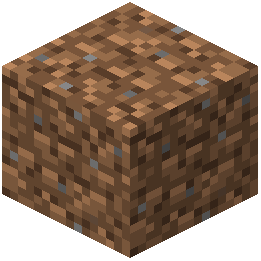 Dirt Resource Pack automatically applies random rotations to grass, mycelium, podzol, and dirt blocks. This means each block you place or generate will display its texture at a different angle, breaking up the tiled appearance of vanilla Minecraft terrain.
Seeing the Effect
The rotations are applied automatically—no configuration needed. When you generate new terrain or place these blocks, you'll notice the textures vary in orientation across the surface. This works best when viewing large areas of ground from above or at a distance.
Maximizing Visual Variety
To get the most natural look:
- Generate terrain naturally rather than placing blocks individually
- Use a mix of grass, dirt, and podzol in forest or underground areas
- Combine with the pebble variants (which also rotate) for additional texture breaks
- Pair with other terrain mods that add varied ground blocks
The rotations apply to both newly generated chunks and existing terrain, so the effect is immediate upon installing the pack.