
How to Build with Overhauled Acacia Doors and Fences
Acacia wood is completely reshaped in Yuushya 16x Model, trading flat vanilla panels and simple posts for detailed structural pieces. If you want to build towns or bases with working door hardware and connected timber fences, start by gathering acacia logs.
Installing Hinged Acacia Doors
1. Open your crafting table and turn 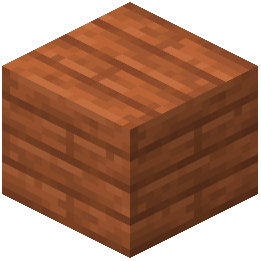 Acacia Planks into an
 Acacia Door.
2. Place the door inside a doorframe in your build.
3. Right-click the door to open and close it. As the door swings, look at the side attached to the frame to see the custom 3D working hinge parts move with the door.
Connecting Acacia Fences and Gates
1. Craft Acacia Fences and 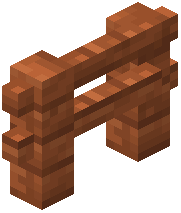 Acacia Fence Gates using Acacia Planks and Sticks.
2. Place a line of fence posts along a path, property border, or balcony.
3. Place an 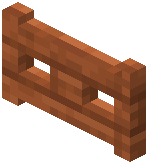 Acacia Fence Gate between two posts to complete the enclosure.
As the blocks connect to one another, the pack replaces the basic vanilla rails with custom 3D wooden beam designs and detailed fence posts. You can mix these connected beams with wall-mounted lanterns to quickly build detailed streetlamps, porch railings, and town borders.