

What this pack changes
Every texture group the pack replaces, counted from the pack itself.
| Area | Textures replaced |
|---|---|
| Blocks | 49 |
| Particles | 47 |
| Items | 10 |
Pack format 75 (Minecraft 1.21.9)107 texture files in total
Extra features
Custom font
Custom block/item models
Guides
Step-by-step, in-game.
Checking Brewing Stands and Active Buttons Without Opening MenusMounting Adaptive 3D Bells Across Floors, Walls, and CeilingsPrioritizing UHC Essentials Model in Your Resource Pack Load OrderReading Big Dripleaf Tilt Stages and 3D Plant Growth
Items
 Bow
Blocks
C
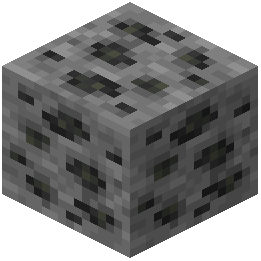 Coal Ore
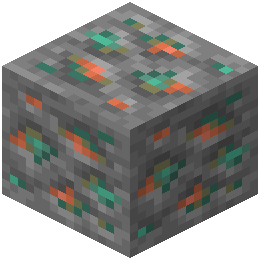 Copper Ore
D
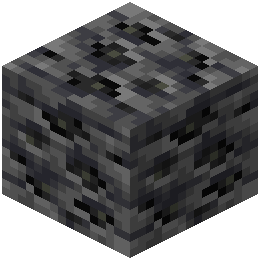 Deepslate Coal Ore
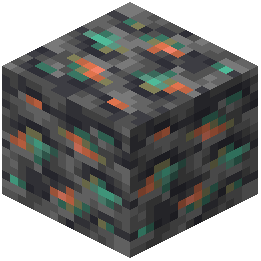 Deepslate Copper Ore
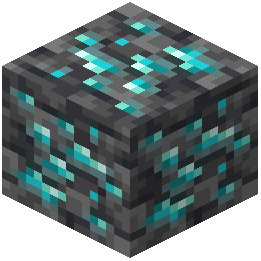 Deepslate Diamond Ore
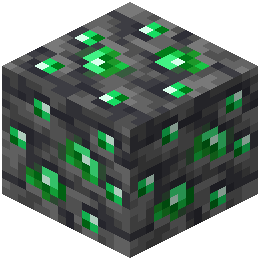 Deepslate Emerald Ore
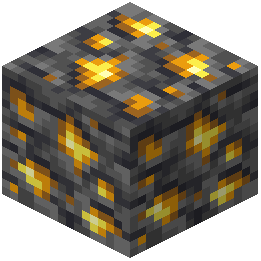 Deepslate Gold Ore
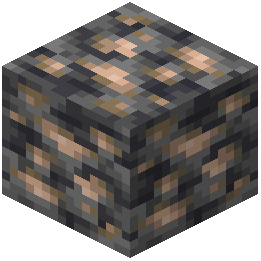 Deepslate Iron Ore
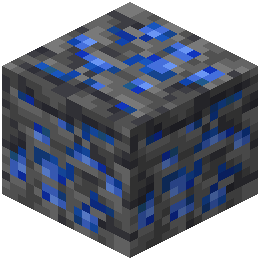 Deepslate Lapis Lazuli Ore
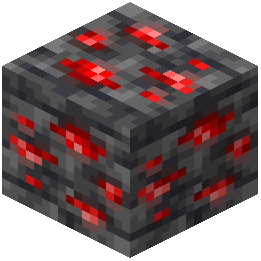 Deepslate Redstone Ore
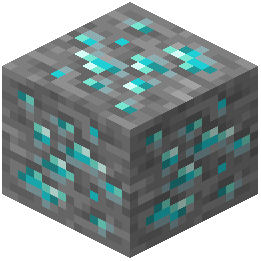 Diamond Ore
E
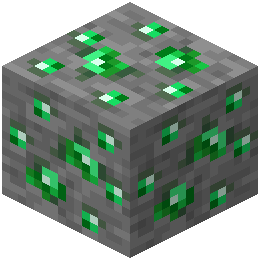 Emerald Ore
G
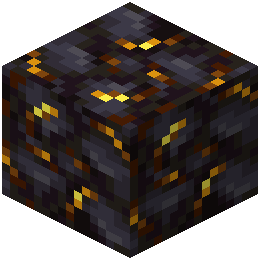 Gilded Blackstone
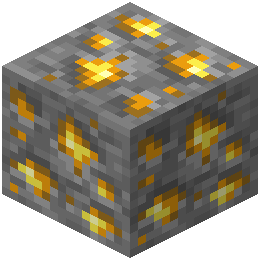 Gold Ore
I
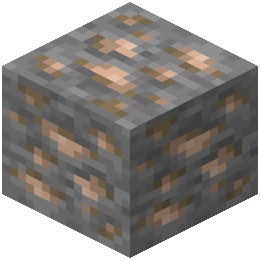 Iron Ore
L
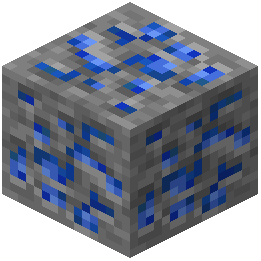 Lapis Lazuli Ore
N
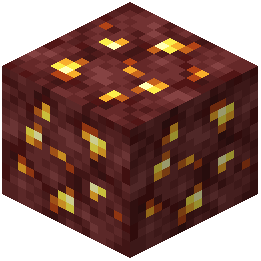 Nether Gold Ore
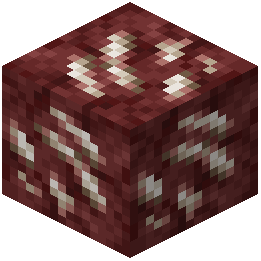 Nether Quartz Ore
R
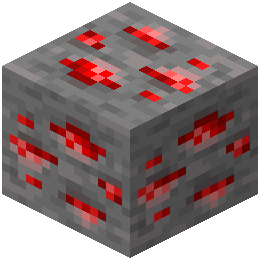 Redstone Ore
Frequently asked questions
Why aren't the 3D block models showing up in my world?
Open your Resource Packs settings menu and move UHC Essentials Model to the very top of your active list. If another pack sits above it, that pack's files will override the 3D block and item shapes.
How can I tell what is inside a brewing stand without opening it?
Look directly at the placed brewing stand block in the world. Its 3D model changes in real time based on how many water bottles or potions are sitting in its slots.
Can I use this during multiplayer competitive matches?
Yes, it activates locally through your Resource Packs menu to help you spot standard items and blocks faster during survival and competitive matches. Because it only replaces visuals on existing game objects, you do not need server-side installation to use it.
Which buttons show the 3D press animation?
Both wooden and stone buttons include visual depth changes. When pressed, the 3D button model visibly depresses into the wall surface.
Why aren't the animated textures moving in my game?
The pack uses animated textures across more than 300 visual files and requires a game setup that supports animated textures. Make sure texture animations are not turned off in your video settings or blocked by another resource pack higher in your load order.
How do big dripleaf plants look different when you walk on them?
Big dripleaf blocks display custom 3D tilt stages on both the stem and leaf as you stand on them or walk past. This makes it easier to see the leaf's current angle before it gives way.
Do bells look different depending on how I place them?
Yes, bells use multi-angle 3D models whose frames adapt to the surface you attach them to. Placing a bell on a floor, on a ceiling, on a single wall, or between two walls will each display an adjusted mounting frame.
Which plants and farms get 3D growth visuals?
Bamboo and cactus blocks receive distinct 3D shapes and layered leaf textures, making bamboo growth stages easy to read from a distance. Big dripleaf plants in lush caves and jungles are also upgraded with 3D models.
Does this add new items or change how blocks work?
No, it only upgrades the appearance of over 280 standard blocks and items with 3D models and animations. All block placements, brewing mechanics, and redstone behaviors stay completely standard.
How do I use this alongside my normal texture pack?
Activate both packs in your Resource Packs menu, then place UHC Essentials Model above your other pack. This keeps all of the custom 3D models and animated textures intact while letting your lower pack cover any untouched blocks.
Related mods
Other wikis you may find useful.