

What this pack changes
Every texture group the pack replaces, counted from the pack itself.
| Area | Textures replaced |
|---|---|
| Particles | 143 |
| Blocks | 42 |
| Items | 32 |
| GUI & menus | 17 |
| Mobs & entities | 8 |
| Misc | 6 |
| Models | 6 |
Pack format 15–75 (Minecraft 1.20–1.21.9)254 texture files in total
Extra features
Custom block/item models
Reworked GUI
Guides
Step-by-step, in-game.
How to Enable and Verify Smooth SMP Model in Your WorldHow to Reduce Particle Clutter and Set Up 3D BeaconsHow to Track Potions and Cake Slices Using 3D Block StatesHow to Use 3D Bell Mounts and Bamboo Models in Builds
Items
B
 Bow
D
 Diamond Axe
E
 End Crystal
 Ender Pearl
G
 Golden Axe
I
 Iron Axe
M
 Mace
N
 Netherite Axe
 Netherite Boots
 Netherite Chestplate
 Netherite Helmet
 Netherite Hoe
 Netherite Leggings
 Netherite Pickaxe
 Netherite Shovel
 Netherite Sword
S
 Stone Axe
W
 Water Bucket
 Wooden Axe
Blocks
C
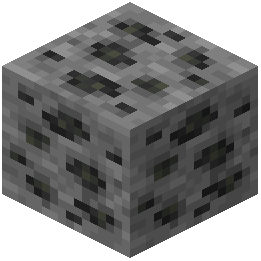 Coal Ore
 Cobweb
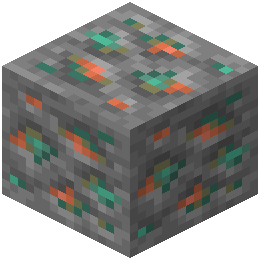 Copper Ore
D
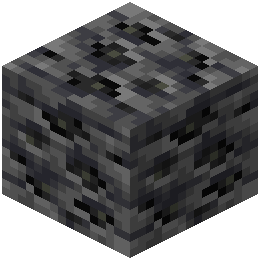 Deepslate Coal Ore
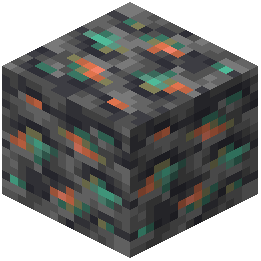 Deepslate Copper Ore
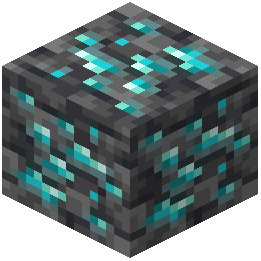 Deepslate Diamond Ore
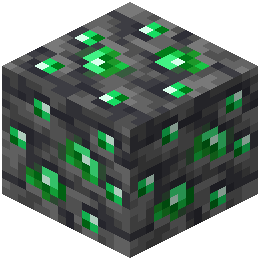 Deepslate Emerald Ore
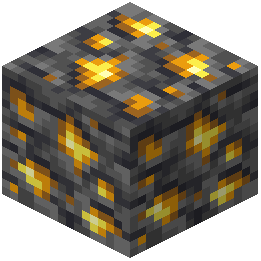 Deepslate Gold Ore
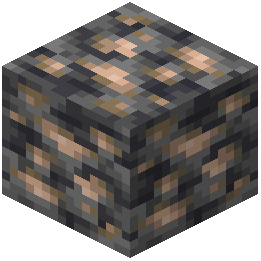 Deepslate Iron Ore
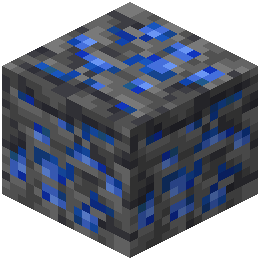 Deepslate Lapis Lazuli Ore
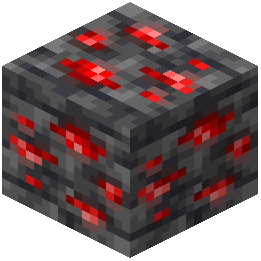 Deepslate Redstone Ore
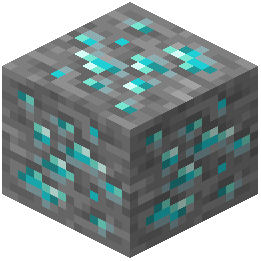 Diamond Ore
E
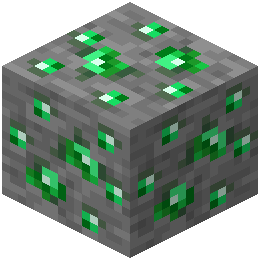 Emerald Ore
G
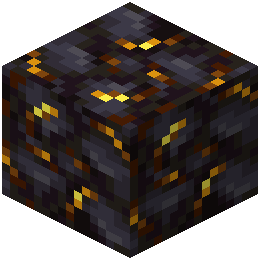 Gilded Blackstone
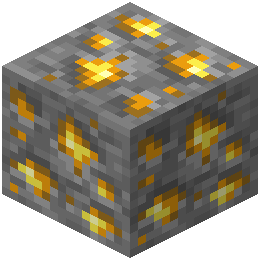 Gold Ore
I
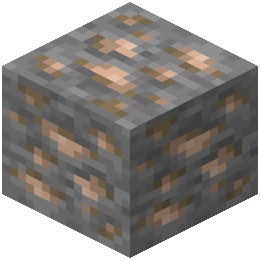 Iron Ore
L
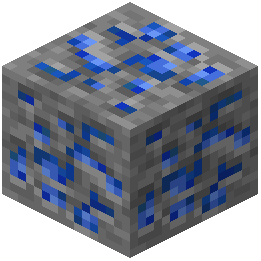 Lapis Lazuli Ore
N
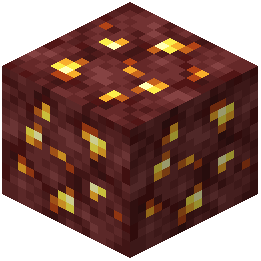 Nether Gold Ore
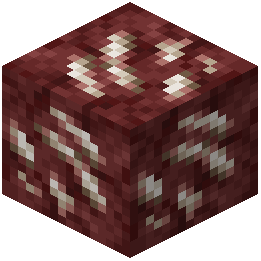 Nether Quartz Ore
R
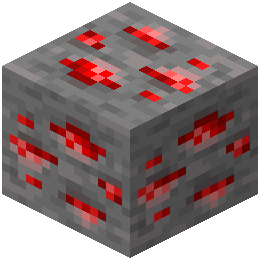 Redstone Ore
Frequently asked questions
How do I know if Smooth SMP Model is working in my world?
Place a stone or wooden button on a wall and click it to see if it physically pushes inward, or place a cake and take a bite to check for the stepped slice model. If these blocks still look like flat vanilla shapes, make sure the pack is enabled and placed at the top of your active list.
Does Smooth SMP Model work on multiplayer servers if the server doesn't have it?
Yes, because it only replaces block models, textures, and particle effects without adding new custom items or mechanics. You can use it on any survival server to upgrade your visuals while keeping normal gameplay intact.
Why isn't my brewing stand showing 3D potion bottles?
The brewing stand updates its 3D model based on its active slot states, so it will look empty until you put items inside. Open the brewing stand interface and place glass bottles or potions into the bottom slots to make the individual 3D containers appear on the frame.
How do I get the different 3D mounts for bells?
The bell model changes automatically depending on which block face you click when placing it. Attach the bell to the underside of a block for a ceiling mount, the side of a block for a wall mount, or the top of a block for a standalone floor post.
Why are my block textures not animating?
Smooth SMP Model requires a game version and video configuration that supports animated textures. Check your video settings to ensure terrain and block animations are turned on, rather than disabled for performance.
Does the 3D cake model change how many bites a cake has?
No, the cake still functions identically to vanilla survival and restores the same amount of hunger. The pack simply alters the visual block states so the cake updates into stepped, multi-slice 3D shapes as you eat it chunk by chunk.
Why do my particle effects look smaller or different during combat?
Smooth SMP Model intentionally simplifies particle bursts to reduce screen clutter. This gives you clearer vision during combat encounters and while placing blocks in busy build areas.
How do I see the different 3D bamboo models?
Plant bamboo shoots and let them grow naturally, or bonemeal them to various heights. The pack applies custom 3D plant joints and multi-stage growth shapes automatically based on the age and thickness of the stalks.
Does the beacon need to be activated to see the updated 3D model?
The updated crystal structure inside the beacon block is visible as soon as you place it down, though building a pyramid beneath it lets you see the block in full action. Make sure no other active visual packs are overriding the beacon block model.
What should I do if another pack overrides the 3D buttons or bamboo?
Open your pack selection menu and move Smooth SMP Model higher in the load order than your other visual packs. Whatever is placed at the top of the active list takes priority when the game loads block models and textures.
Related mods
Other wikis you may find useful.