

What this pack changes
Every texture group the pack replaces, counted from the pack itself.
| Area | Textures replaced |
|---|---|
| Blocks | 503 |
| Items | 230 |
| Mobs & entities | 129 |
| Particles | 68 |
| GUI & menus | 61 |
| Paintings | 12 |
| Biome colours | 8 |
| Misc | 5 |
| Models | 4 |
| Player | 4 |
Pack format 13 (Minecraft 1.19.4)1,024 texture files in total
Extra features
Custom sounds
Sound overrides
Custom block/item models
Reworked GUI
Guides
Step-by-step, in-game.
Activating the Programmer Tweaks Model PackBuilding Clean Grates and Railings with Iron BarsMonitoring Cauldron and Composter Stages VisuallyNavigating Big Dripleaf Tilt ShapesReading Redstone States on Repeaters, Comparators, and HoppersTracking Storage in Chiseled Bookshelves Visually
Items
202 items · showing 24. Browse all →
 Allay Spawn Egg
 Amethyst Shard
 Apple
 Armadillo Spawn Egg
 Axolotl Spawn Egg
 Bat Spawn Egg
 Bee Spawn Egg
 Bell
 Black Bed
 Blaze Spawn Egg
 Blue Bed
 Bogged Spawn Egg
 Bone
 Bread
 Breeze Spawn Egg
 Brown Bed
 Brush
 Bucket
 Bucket of Axolotl
 Bucket of Cod
 Bucket of Pufferfish
 Bucket of Salmon
 Bucket of Tadpole
 Bucket of Tropical Fish
Blocks
167 blocks · showing 24. Browse all →
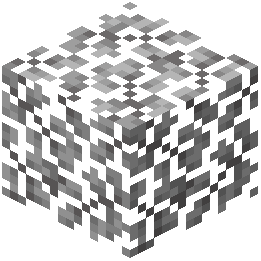 Acacia Leaves
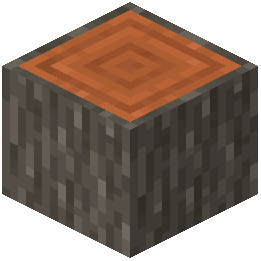 Acacia Log
 Acacia Planks
 Allium
 Amethyst Cluster
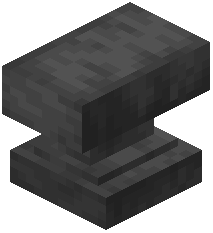 Anvil
 Attached Melon Stem
 Attached Pumpkin Stem
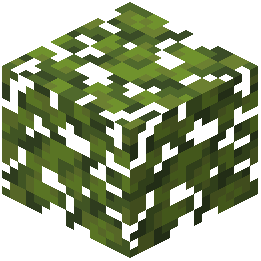 Azalea Leaves
 Azure Bluet
 Big Dripleaf Stem
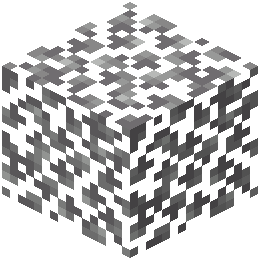 Birch Leaves
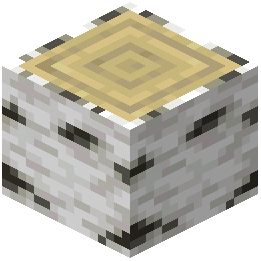 Birch Log
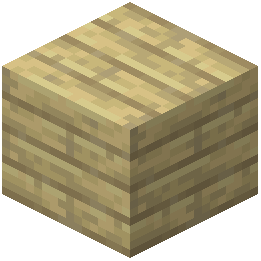 Birch Planks
 Birch Sapling
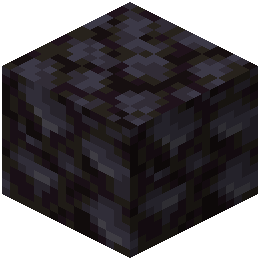 Blackstone
 Block of Amethyst
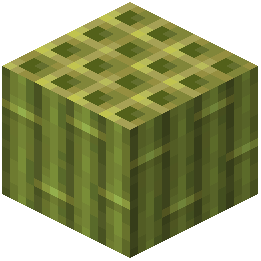 Block of Bamboo
 Block of Coal
 Block of Diamond
 Block of Netherite
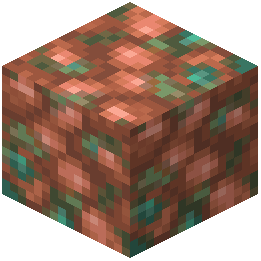 Block of Raw Copper
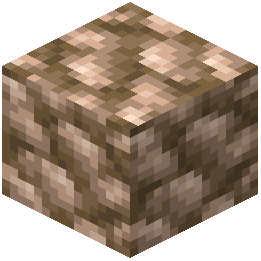 Block of Raw Iron
 Block of Redstone
Frequently asked questions
How do I activate the Programmer Tweaks Model pack?
Open your game options, click on Resource Packs, and move the pack from the left list into the active column on the right. The custom 3D models and animated textures will apply once you confirm your selection.
How do cauldrons display their water levels?
Cauldrons update visually across three distinct liquid levels as you fill them with water buckets or draw water out. This lets you check the exact remaining volume without interacting with the block.
How do I craft a cauldron to view the new filling models?
Craft a cauldron by arranging seven iron ingots in a U-shape in a crafting table. Once placed, you can pour water buckets into it to observe the liquid step visual changes.
How do composters show their organic filling progress?
Composters visibly fill across seven distinct stages as you deposit crops and organic items. The rising compost layer makes it easy to see how close the block is to producing bone meal.
See all 16 Programmer Tweaks Model questions ›
Related mods
Other wikis you may find useful.