
Miniworld Model Wiki › Guides › How to Trigger Dynamic Workstation and Storage Models
How to Trigger Dynamic Workstation and Storage Models
Viewing Active Storage and Smelting States
MiniWorld Model replaces standard flat block faces on everyday utility blocks with custom 3D models that visibly react when you interact with them. You can set up a functional workshop to see these state changes in action.
- Barrels: Craft a standard
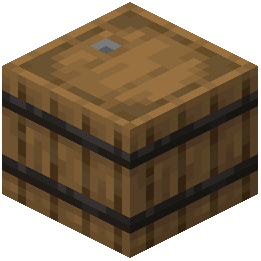 barrel using planks and slabs, then place it down. Right-click to open the barrel's inventory; while you have it open, the 3D model switches directly into an open-lid state.
- Blast Furnaces and Furnaces: Place a furnace or blast furnace and load it with fuel and smeltable items. As soon as smelting begins, the block transitions to its working state and displays an animated fire texture.
Decorating with Static 3D Workstations
Other utility blocks feature permanent 3D model overhauls that give workshops and libraries a classic retro sandbox look without needing fuel or player interaction.
1. Place Bookshelves and a Cartography Table in your base to see the custom 3D recessed details and tabletop shapes.
2. Craft and place an 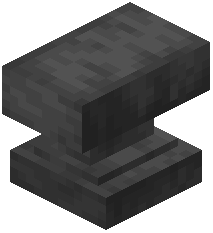 Anvil in your smithing area to view its reshaped retro model alongside your active blast furnaces.