
How to Test 3D Redstone States on Comparators and Buttons
Observing Pressed Button Models
Redstone components in MiniWorld Model shift their physical 3D geometry when triggered, making it simple to read signal states at a glance.
1. Craft any vanilla button and place it on the side or top of a solid block.
2. Right-click the button to power it.
3. Watch the block model physically depress into its pressed state for the duration of the redstone pulse before popping back out.
Setting Up Active Redstone Comparators
Redstone comparators use distinct model changes to show both mode toggling and active signal output.
1. Place a  Redstone Comparator on the ground.
2. Right-click the comparator to toggle its front  torch between comparison mode and subtraction mode, observing the change on the 3D model.
3. Place a container—such as a 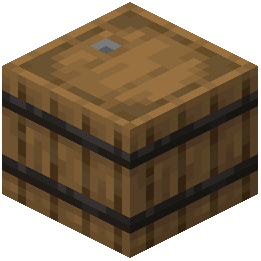 barrel with items inside—directly behind the comparator, or run a powered redstone line into its back input.
4. When the comparator detects the input and activates, the block switches to its active model state so you can visually trace live signals across your redstone contraptions.