

What this pack changes
Every texture group the pack replaces, counted from the pack itself.
| Area | Textures replaced |
|---|---|
| Blocks | 1,107 |
| Items | 775 |
| Mobs & entities | 577 |
| GUI & menus | 547 |
| Particles | 253 |
| Armor trims | 56 |
| Paintings | 52 |
| Status effects | 39 |
| Maps | 37 |
| Font | 19 |
| Misc | 17 |
| Sky & weather | 6 |
| Biome colours | 3 |
| Models | 2 |
| Effect | 1 |
Pack format 64 (Minecraft 1.21.6)3,491 texture files in total
Extra features
Custom font
Custom block/item models
Reworked GUI
Custom particles
Guides
Step-by-step, in-game.
Activating Default Pvp Model in Resource Pack SettingsConstructing Base Entrances with 3D Acacia DoorsIdentifying Interactive Utility Stations in Competitive Base BuildsMonitoring Brewing Stand States Visually During CombatPositioning Bells Across Floors, Ceilings, and CorridorsReading Big Dripleaf Tilt Stages During Arena Parkour
Items
516 items · showing 24. Browse all →
 Acacia Boat
 Acacia Boat with Chest
 Acacia Door
 Acacia Hanging Sign
 Acacia Sign
 Allay Spawn Egg
 Amethyst Shard
 Angler Pottery Sherd
 Apple
 Archer Pottery Sherd
 Armadillo Scute
 Armadillo Spawn Egg
 Armor Stand
 Arms Up Pottery Sherd
 Arrow
 Axolotl Spawn Egg
 Baked Potato
 Bamboo
 Bamboo Door
 Bamboo Hanging Sign
 Bamboo Raft
 Bamboo Raft with Chest
 Bamboo Sign
 Banner Pattern
Blocks
496 blocks · showing 24. Browse all →
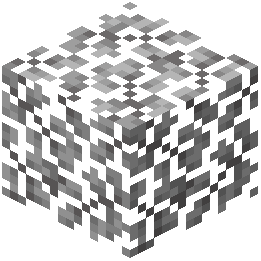 Acacia Leaves
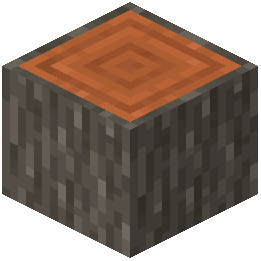 Acacia Log
 Acacia Planks
 Acacia Sapling
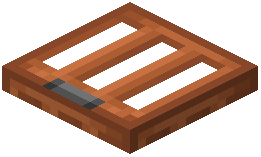 Acacia Trapdoor
 Activator Rail
 Allium
 Amethyst Cluster
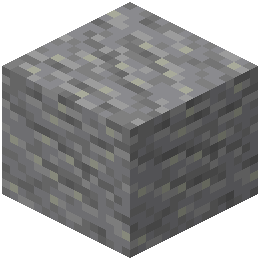 Andesite
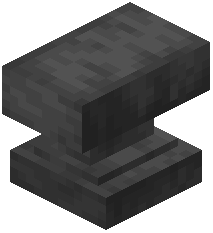 Anvil
 Attached Melon Stem
 Attached Pumpkin Stem
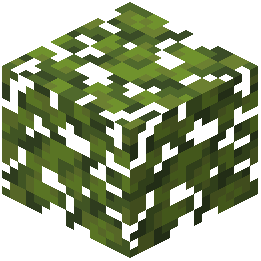 Azalea Leaves
 Azure Bluet
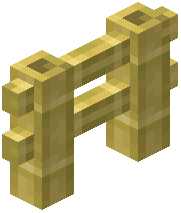 Bamboo Fence
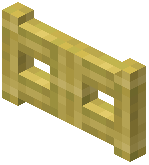 Bamboo Fence Gate
 Bamboo Mosaic
 Bamboo Planks
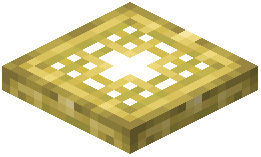 Bamboo Trapdoor
 Beacon
 Bedrock
 Big Dripleaf Stem
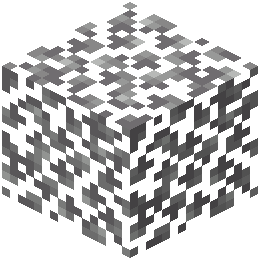 Birch Leaves
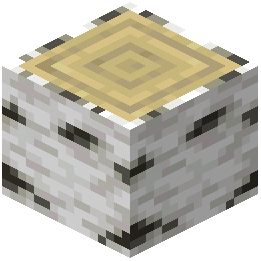 Birch Log
Frequently asked questions
How do I turn on Default Pvp Model once it is installed?
Open Minecraft, go to Options, select Resource Packs, and move Default Pvp Model into your active resource packs list on the right. Make sure it is placed high on the list so its custom models take priority.
Can I check  brewing stand progress without opening its interface?
Yes. The custom 3D brewing stand displays individual  potion bottles in occupied slots and renders empty slots with distinct visual states, allowing you to monitor brewing at a glance.
brewing stand displays individual potion bottles in occupied slots and renders empty slots with distinct visual states, allowing you to monitor brewing at a glance.How do big dripleaf plants help with PvP platforming?
Big dripleaf plants visually tilt in distinct, separate stages when stepped on. This lets you time your jumps and track enemy movement across leaves before they drop.
Do bells look different depending on where I place them?
Yes. Bells feature dedicated 3D mounting models tailored for placement on floors, ceilings, walls, and narrow corridors.
See all 16 Default Pvp Model questions ›
Related mods
Other wikis you may find useful.