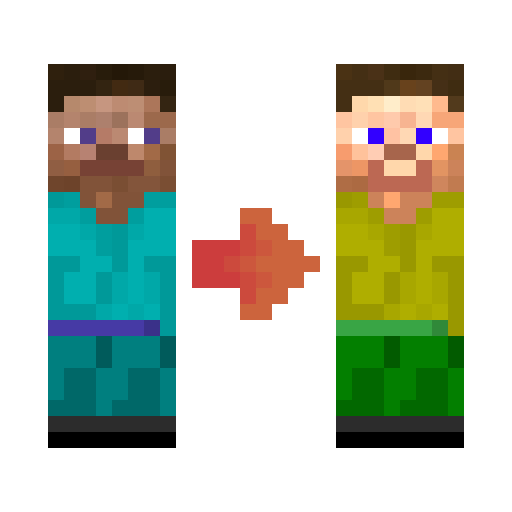
DownloadTriple Crown Tailor Mod
Get the files on 9Minecraft
Contents (6)
Place a Hat Stand Block
Place a hat stand block in your world where you want to display hats. This block serves as a decorative pedestal for cosmetic headwear.
Right-Click to Open the Menu
Right-click the hat stand to open its customization interface. This menu is separate from your personal Hat Tweaker and controls only that stand's appearance.
Add Hats to the Stand
Equip hats in your inventory, then use the stand menu to select which hats display on it. You can place multiple hats on a single stand, and they will stack similarly to wearing them.
Customize Stand Height and Position
Use the height adjuster to raise or lower displayed hats on the stand. Adjust position and rotation sliders to angle the hat stack for better visibility or aesthetic appeal.
Display a Custom Player Head
Enter a player's username in the stand menu to replace the default stand model with that player's skin. This lets you create character displays or tribute stands featuring specific players.
Decorate Your Space
Arrange multiple hat stands around your base, shop, or gallery to showcase your hat collection.