

Guides
Step-by-step, in-game.
How to Dye a Terrain Cart and Remove Paint ColorsHow to Fuel and Drive a Terrain CartHow to Rename Terrain Carts and Organize Shared GaragesHow to Repair Cart Damage and Handle Collisions
Recipes
Every recipe the mod adds, grouped by how it is made.
Items
B
 Black Terracart
 Blue Terracart
 Brown Terracart
C
 Cyan Terracart
G
 Gray Terracart
 Green Terracart
L
 Light Blue Terracart
 Light Gray Terracart
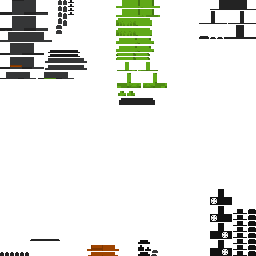 Lime Terracart
M
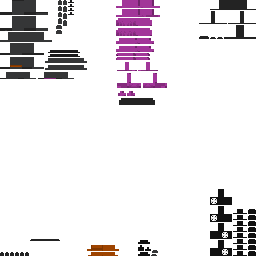 Magenta Terracart
O
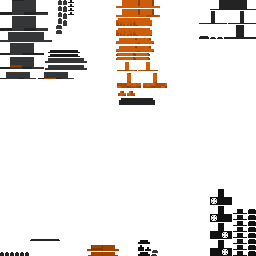 Orange Terracart
P
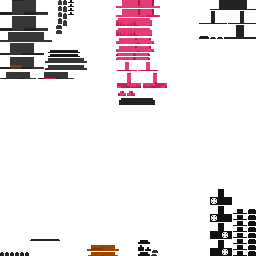 Pink Terracart
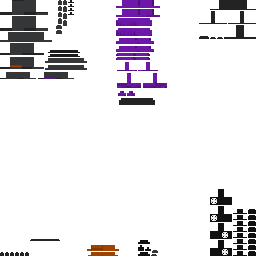 Purple Terracart
R
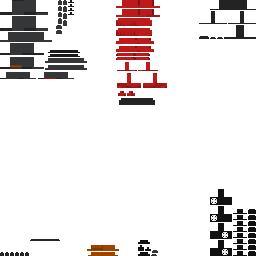 Red Terracart
T
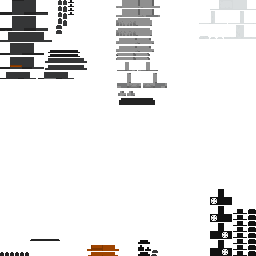 Terracart
 Terracart Wheel
W
 White Terracart
Y
 Yellow Terracart
Frequently asked questions
How do I start driving a terrain cart?
Place the cart on the ground, right-click it to climb inside, and make sure you have added coal for fuel. Once seated and fueled, use your standard movement keys (W, A, S, D) to accelerate and steer.
Why won't my cart move when I press forward?
Your cart is likely out of fuel. Check the fuel meter on the on-screen display and add coal to get it running again.
Does the cart burn fuel while parked or idling?
No, coal fuel only drains while the cart is actively moving forward. Leaving your cart parked while you sit inside will not waste your coal.
Do terrain carts require rails or special road blocks?
No, unlike vanilla minecarts, these carts are steerable overland vehicles that drive freely across normal terrain and up hills without tracks.
How do I repair my cart after taking crash damage?
Use iron ingots directly on a damaged cart to restore its health. You can monitor how much health your vehicle has left on the on-screen display.
Why can't I apply dye to a cart after placing it down?
Cart colors are chosen before you place the cart in the world rather than painted onto an already parked vehicle. There are sixteen color variants available matching standard Minecraft dyes.
How do I remove the paint color from a dyed cart?
Place the colored cart item into a furnace and smelt it. Smelting strips the color and reverts it back to the default base cart item.
What happens if I drive directly into mobs?
Driving directly into either hostile or passive mobs deals impact damage to them and triggers impact particles.
How do I tell my cart apart from other players' carts in a shared garage?
Rename a name tag at an anvil and apply it directly to your cart to give it a custom name. You can also coordinate using the sixteen different dye variants so everyone has a distinct vehicle.
How can I check my cart's current speed, fuel, and health?
When you climb inside the cart, an on-screen display automatically shows your current driving speed, remaining coal fuel level, and vehicle health.
Related mods
Other wikis you may find useful.