

Placing Ceiling Panels and Supports
If you want to display route alerts and station info without placing full sliding barrier doors—or if you want extra screens hanging above the tracks and walkways—you can use the mod's standalone informational ceiling blocks.
1. Craft the standalone informational ceiling panels, along with the dedicated support pillars and header blocks, in survival mode.
2. Build a framework above your station platform or directly over the railway tracks using the support pillars and header blocks.
3. Attach the informational ceiling panels to the supports so they hang in clear view of waiting passengers.
Setting Up Route Alerts and Custom Info
Like the door-mounted screens, ceiling panels can work automatically with your railway network or act as custom signs.
1. Automatic Route Info: Link the station tracks below the panels. The overhead screens will automatically pull data from the tracks to display active route alerts and upcoming train arrival details.
2. Changing the Panel Style: Right-click the hanging ceiling blocks with a brush from the base train mod to cycle through different panel designs.
3. Adding Custom Alerts: Hold the mod's 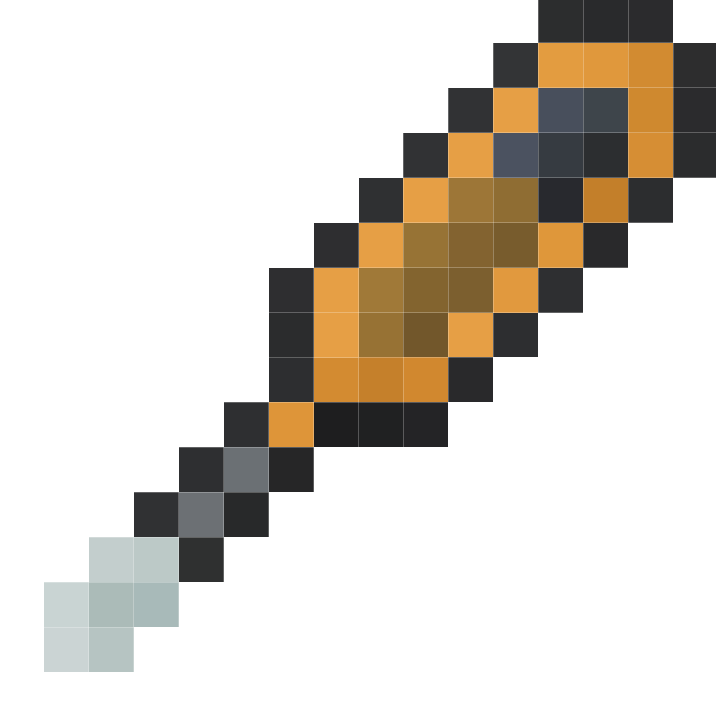 screwdriver tool and interact with the ceiling panel to enter custom station text or import custom images.