DownloadMo’ Bends Modern Port Mod
Get the files on 9Minecraft
Contents (5)
Open the Configuration Menu
Press G to access Mo' Bends settings.
Find Toggle Options
Most animation features can be turned on or off individually. Look for checkboxes or toggle switches next to:
- Player movement animations
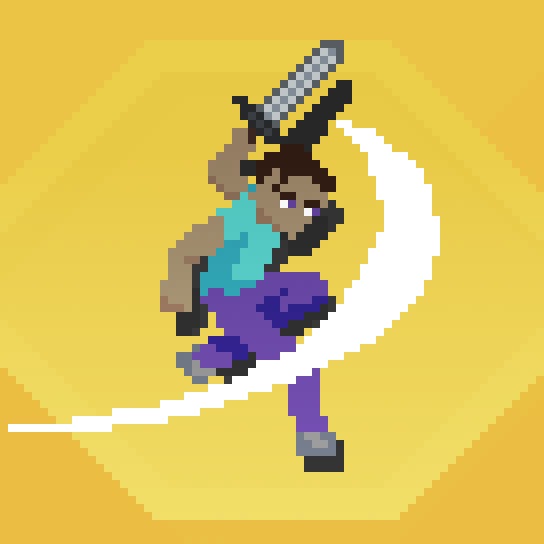
- Combat effects and trails
- Mob animations
- Specific actions like swimming, jumping, or sneaking
Disable Unwanted Features
If you dislike certain animations—such as sword trails being too distracting, or mob movements feeling unnatural—simply uncheck or toggle them off. You can disable features selectively without turning off the entire mod.
Test the Changes
Close the menu and play normally. The disabled animations will no longer appear, while other customizations remain active.
Partial Customization
You don't have to use all features. Many players disable combat trails but keep character movement, or vice versa. Experiment to find the combination that feels right for your gameplay style.
More guides for this mod
Adjust How Monsters Move and Behave VisuallyCustomize Your Character's Walking and Running StyleMake Combat Animations Look More Impactful