
How to Set Up the Joystick as a One-Block Aircraft Cockpit
The 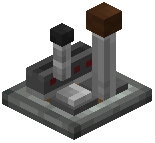 Joystick replaces a bulky steering assembly with a single block. It offers two movement axes, a manual throttle lever and three triggers, and together these broadcast eight distinct redstone link signals.
Placing and Configuring the Joystick
1. Build the frame of your aircraft and choose the cockpit spot where the pilot will sit.
2. Place the Joystick in the cockpit. It takes up only one block space, so a small fuselage still has room for it.
3. Sneak and right-click the Joystick to open its redstone link frequency setup.
4. Assign a frequency to each signal you plan to use. Pick a clear scheme, such as one set for pitch, one for roll, one for the throttle and one per trigger, so you can match them up later.
5. Write your frequency choices down. You will need to enter the same frequencies on the receiving blocks.
Linking It to the Rest of the Aircraft
- Set the
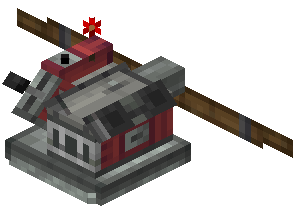 Small Airplane Engine to listen to the frequency you gave the throttle. Redstone signals override the engine's own lever.
- Set each
 Invisible Control Surface to the frequencies for the axis it should respond to. Each surface accepts two frequencies.
- Use the three triggers for anything else that runs on redstone, such as extra engines or other mechanisms on the contraption.
Tip: Test each axis on the ground before takeoff. If a surface moves the wrong way for its input, sneak and right-click the Joystick again and swap the frequencies for that axis.