
How to Fuel and Throttle the Small Airplane Engine
The 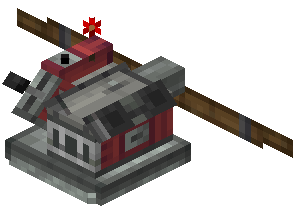 Small Airplane Engine is a compact propulsion block. It pushes contraptions forward or backward and runs on standard fuel.
Getting the Engine Running
1. Mount the Small Airplane Engine on your vehicle, facing the direction you want to push.
2. Supply it with standard fuel. An engine without fuel won't produce thrust, so check fuel first if a build refuses to move.
3. Use the engine's manual throttle lever to set its output. This is the simplest setup and works for test runs or vehicles you only need to push at a steady rate.
Controlling Throttle with Redstone
For real piloting, let your cockpit control the engine. Redstone signals override the manual lever directly.
1. Sneak and right-click your 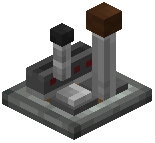 Joystick or
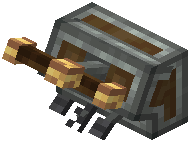 Steering Column to see which frequency carries your throttle or drive input.
2. Configure the engine to respond to that redstone link frequency.
3. From the cockpit, move the Joystick's throttle lever or press the Steering Column's drive pedal. The engine should follow your input instead of its own lever setting.
Tips for multi-engine builds:
- Put engines on the same frequency for even thrust, or on separate ones for differential control.
- Use spare Joystick triggers or the third Steering Column pedal to switch extra engines on and off.
- If an engine ignores the cockpit and stays at its lever setting, its frequency doesn't match. Re-check both ends.