
How to Drive a Land Vehicle Using the Steering Column and Pedals
The 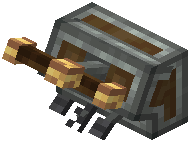 Steering Column is the ground-vehicle counterpart to the
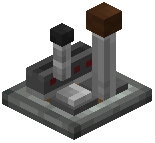 Joystick. It outputs two redstone signals for steering and has three pedal inputs, all from a single block.
Setting Up the Column
1. Build your vehicle's chassis and leave space for a driver's seat.
2. Place the Steering Column in front of where the driver sits.
3. Sneak and right-click the Steering Column to set its redstone link frequencies.
4. Assign frequencies to the two steering outputs and to each of the three pedals.
Using the Pedals While Driving
The pedals are bound to keys: press W, S and C to trigger the three pedals. Work out which pedal each key fires, then give each pedal a job:
- Drive pedal: link it to the frequency that pushes your engine forward.
- Reverse or brake pedal: link it to the frequency that drives the engine backward. The
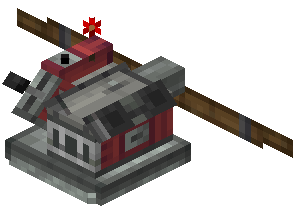 Small Airplane Engine can push in either direction.
- Third pedal: use it for any other redstone-driven feature on the vehicle.
For steering, link the two steering outputs to an  Invisible Control Surface holding your front wheels or steering assembly. That surface accepts two frequencies and rotates the attached blocks across its sweep.
Test drive checklist:
- Press each pedal key while parked and confirm the right device responds.
- Turn both directions and watch the steered blocks rotate.
- If anything responds to the wrong input, re-open the column's setup and correct the frequency.