
 DownloadLoot Integrations Valhelsia Structures Mod
Get the files on 9Minecraft
How the Integration Works
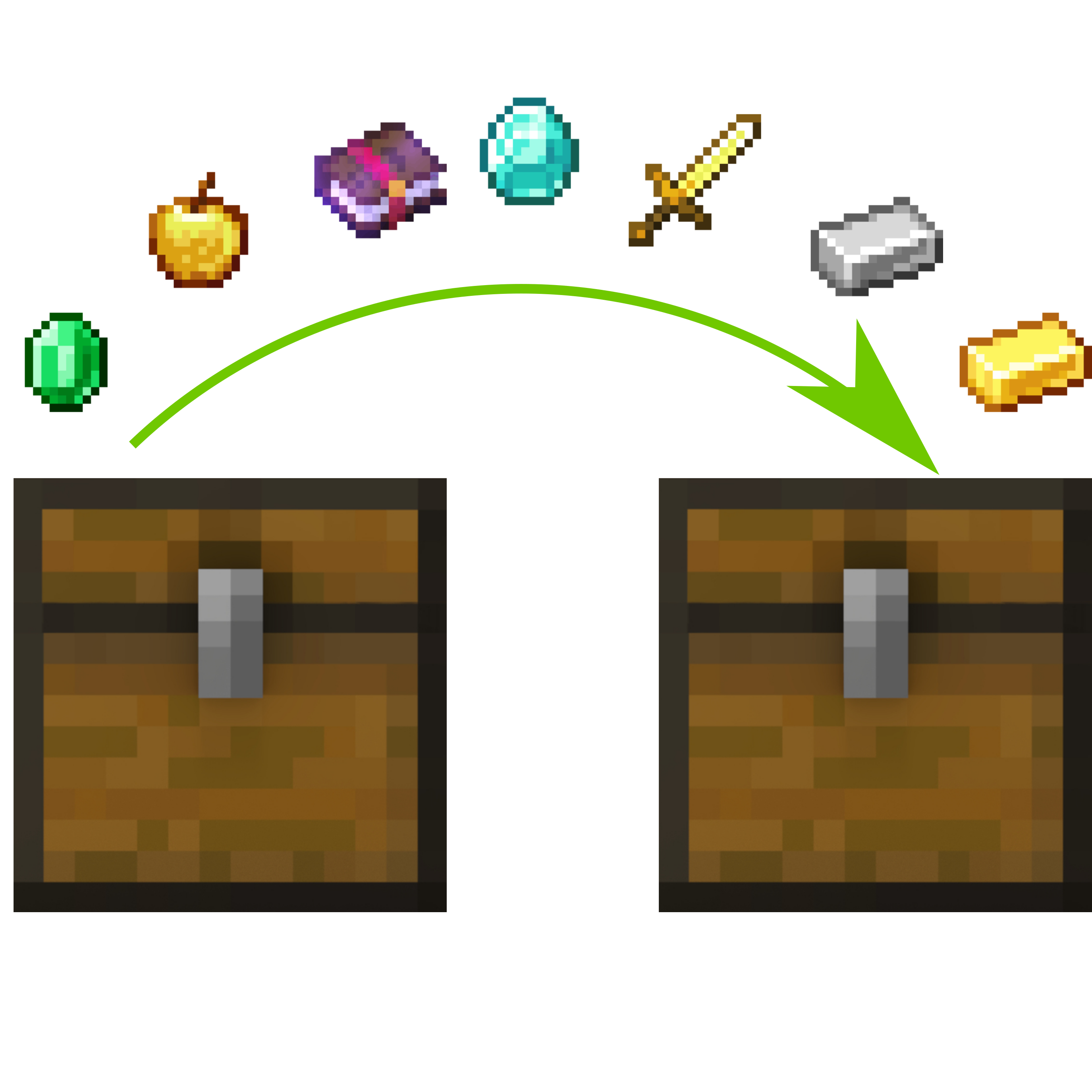
 Loot Integrations uses a shared registry of loot entries that individual addons contribute to. This Valhelsia addon tells the system "use the shared pool when filling
 Valhelsia Structures chests." Any other Loot Integrations addon you install contributes its own entries to that same pool, so the items flow into Valhelsia chests automatically.
Steps
1. Install Loot Integrations as the core dependency.
2. Install this Valhelsia Structures addon so Valhelsia chests are  hooked into the pool.
3. Install Loot Integrations addons for the other mods whose items you want to appear. Each addon handles one mod or mod family.
4. Launch the game and confirm all addons load without errors. Missing dependencies will silently disable an addon.
5. Explore newly generated Valhelsia Structures and open chests. Items from your other mods should now appear alongside vanilla and Valhelsia loot.
Things to Keep in Mind
Loot is weighted, not guaranteed. A mod's items being in the pool does not mean every chest contains them; it means they can roll. Rarer or higher-tier items usually have lower weights. If a specific mod's items never show up, verify that mod's own Loot Integrations addon is present and loaded, since this addon only supplies the Valhelsia side of the connection.
More guides for this mod
Related mods
 Loot Integrations Moog’s Voyager, Soaring, End, Nether Structures Mod
 Loot Integrations Mod
 Valhelsia Structures Mod
 Loot Integrations: Dungeon Crawl Mod
 Loot Integrations: Philip’s Ruins Mod
 Loot Integrations: Towns And Towers Mod
 Loot Integrations: Medieval Buildings Mod
 Loot Integrations When Dungeons Arise Mod