
Creating Chat-Activated Secret Doors and Traps
Visible buttons and levers give away secret rooms right away, and long lines of redstone dust clutter narrow walls. By combining the 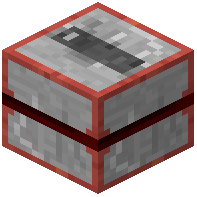 Chat Detector, wireless redstone components, and the
 Block Destabilizer, you can build hidden doorways or traps that respond to chat messages.
Setting Up the Block Destabilizer
1. Build your concealed doorway or trap floor out of ordinary materials like standard stone blocks so it blends into the room.
2. Place a Block Destabilizer directly next to the stone section you want to clear on command.
3. Check the placement before hiding the wiring; when powered, the Block Destabilizer temporarily removes those blocks to open a hidden pathway or drop targets into a trap.
Triggering Signals Wirelessly via Chat
1. Place a Chat Detector block inside your base and configure it to read player messages in chat.
2. Install wireless redstone interfaces and wireless signal transmitters to carry power from the detector across your base without running long trails of redstone dust.
3. Connect the receiving interface to your Block Destabilizer, or pair the circuit with block sensors if you also want nearby block changes to trigger the door.
4. Type your trigger message in chat to verify the Chat Detector sends a redstone signal and clears the doorway.