
Building a Fast Travel Network with Ender Anchors and Bridges
Crossing a sprawling base or distant outpost on foot wastes valuable survival time. Irregular Implements provides ender-themed transport blocks and handheld gadgets that let you teleport between key rooms and remote locations without laying minecart rails.
Linking Locations with Ender Bridges
1. Craft Ender Anchors and set them down at key locations around your base, such as your storage hall, farms, or mine entrance.
2. Place an 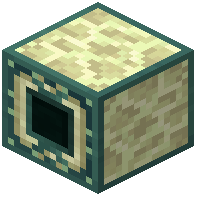 Ender Bridge at the departure point where you want a travel route to begin.
3. Line up your setup so the Ender Bridge links your starting point to the target 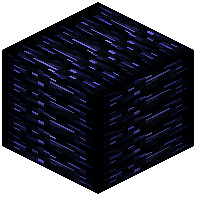 Ender Anchor for fast base navigation.
4. Add more anchors and bridges across your compound to connect separate builds into a full fast travel network.
Teleporting on the Move
When you do not want to walk back to a fixed bridge block, craft a  Portable Ender Bridge and keep it in your inventory. You can use this handheld tool to teleport toward placed Ender Anchors while moving freely around your world. Leave open standing room around each destination anchor so you arrive safely without getting stuck against walls. If you also need an instant off-grid retreat that works away from your anchor network, carry a
 Spectre Key so you can step into your private pocket dimension from anywhere.