 DownloadImmersiveMC Mod
Get the files on 9Minecraft
Placing Items on the Crafting Grid
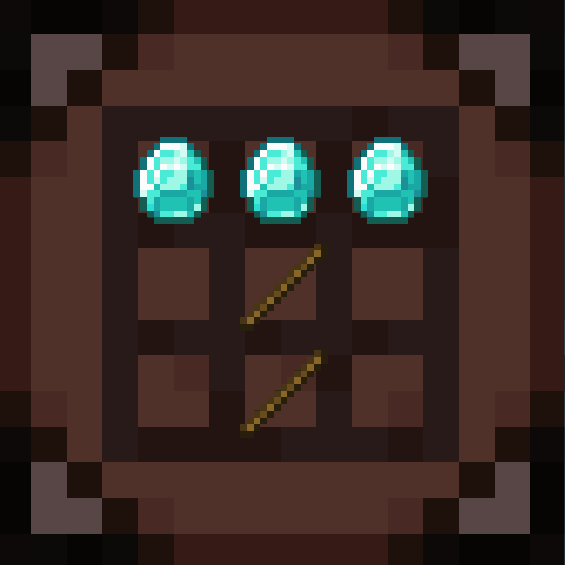
When you look at a crafting table with ImmersiveMC installed, you no longer get the standard 3x3 popup. Instead, the grid is rendered directly on the table's surface. Walk up to it and aim at a slot, then use your interact key to place the held item into that cell. Repeat for each ingredient. The recipe preview updates live as you fill the grid, so you can confirm the output before committing.
Grabbing the Result
Once the pattern matches a valid recipe, the result appears in the output position on the table. Aim at it and interact to pull the crafted item directly into your hand or inventory. If you need to clear a slot, aim at it and use your pick-block or attack key to pull the item back out. In VR this is done with your actual hands, letting you physically pick up and drop each ingredient.
Tips for Smooth Crafting
- Keep your hotbar organized so you can cycle ingredients without opening inventory.
- Shift-interacting can help move stacks faster when filling multiple slots.
- If a slot refuses an item, check that you are aiming at the correct cell; the hitboxes are small.
- The same no-GUI approach applies to other stations like furnaces and brewing stands, so learn the aiming rhythm once and reuse it everywhere.