

 DownloadExposure Space
Get the files on 9Minecraft
Gather Your Equipment
Before you can photograph cosmic objects, you need a camera with the right attachments. Craft or obtain a camera from the base Exposure mod, then attach a telescopic lens. The mod provides five lens tiers—start with lower tiers and upgrade as you progress to see fainter, more distant objects like galaxies and nebulae.
Equip the  Space Filter
Attach a Space Filter to your camera. This special attachment is required to capture space photographs properly and ensures objects appear in their actual sky positions. Without it, your photos won't register cosmic objects.
Find the Right Conditions
The night sky will display real cosmic objects positioned accurately. Some objects like comets and the ISS move across the sky in real time, so you may need to track them. Check the 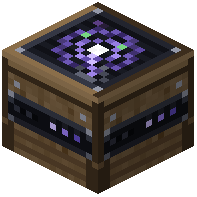 Night Analyzer block to see what's currently visible without cluttering your chat with constant updates.
Take Your Shot
Point your camera upward at the night sky and photograph the objects you want to collect. Develop these photos in the dark room—space photos require special development unlike regular pictures.