

Contents (4)
Guides
Step-by-step, in-game.
How to Automate Speaker Playback Using Redstone and Built-in TimersHow to Build a Synchronized Multi-Speaker Radio NetworkHow to Craft and Mount Songmelyn Wall SpeakersHow to Craft and Place Camouflaged Speaker BlocksHow to Fix Custom Audio Volume, 3D Direction, and Import IssuesHow to Import Custom Ogg Audio Files and Set Up a Local Playlist
Recipes
Every recipe the mod adds, grouped by how it is made.
Blocks
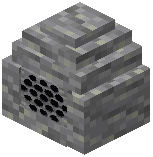 Andesite Explainstone
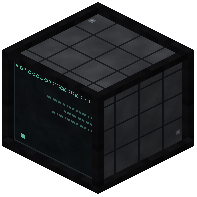 Broadcast Transmitter
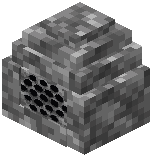 Cobblestone Explainstone
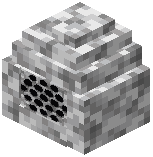 Diorite Explainstone
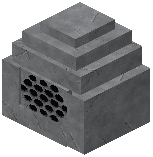 Explainstone
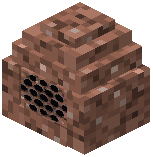 Granite Explainstone
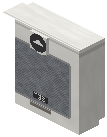 Songmelyn
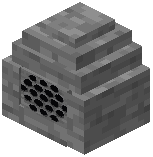 Stone Explainstone
Frequently asked questions
How do I craft a basic speaker block?
All speaker blocks are crafted using a Note Block, an Observer, and five matching material items. You can use Iron Ingots to make the standard Explainstone, White Wool to make the Songmelyn, or use Stone, Cobblestone, Granite, Diorite, or Andesite to craft camouflaged stone speakers.
Explainstone, White Wool to make the Songmelyn, or use Stone, Cobblestone, Granite, Diorite, or Andesite to craft camouflaged stone speakers.What is the difference between an Explainstone and a Songmelyn?
Explainstone blocks are full blocks designed to be placed on the ground or blended directly into stone walls. The Songmelyn is a wall-mounted fixture crafted with White Wool that attaches directly to the side of walls so it doesn't take up floor space.What audio file formats can I import into the speakers?
The mod only accepts Ogg Vorbis (.ogg) audio files. Make sure your custom tracks are converted to the .ogg format before trying to add them to a block's playlist.
Why won't my custom audio file load into the playlist?
Imported audio files have strict size and duration limits. Your .ogg file must be no larger than 6 megabytes and no longer than 5 minutes in duration.