

 DownloadCreate
Get the files on 9Minecraft
Use Gearboxes and Clutches
Rotation direction matters for every machine. A 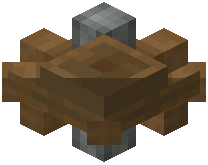 Cogwheel placed beside another Cogwheel reverses direction automatically. To reverse a
 shaft line without changing the physical layout, place a
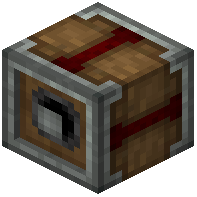 Clutch between two shafts and toggle it with a redstone signal. An
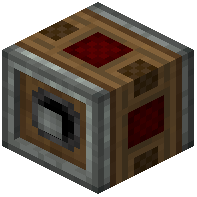 Adjustable Chain Gearshift lets you switch the output direction on demand.
Fine Control with  Analog Lever
Attach an Analog Lever to a machine to vary its speed and direction continuously rather than on/off. For contraptions, a  Controller Rail and
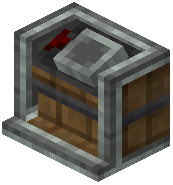 Contraption Controls let you steer movement direction along a track. A
 Clockwork Bearing rotates a contraption around its axis; reversing the input shaft reverses the sweep.
Practical Tips
If a machine spins the wrong way, insert a Clutch and invert the signal, or add one more Cogwheel to the chain. Use an 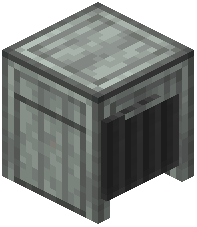 Andesite Tunnel or
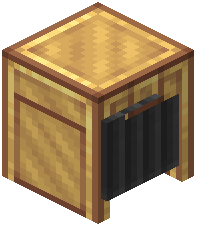 Brass Tunnel to redirect item flow when you flip a belt. Keep a Cogwheel and Clutch on hand while building so you can correct direction without rebuilding the whole line.


