

 DownloadCreate
Get the files on 9Minecraft
Build the Vertical  Shaft
An elevator needs a vertical path. Place a column of blocks for the carriage to travel along, and run a shaft or chain beside it. A  Chain Conveyor moves items and can be adapted for vertical transport of a platform.
Power the Lift
Connect a  Cogwheel network to the shaft. Use a
 Clutch to engage and disengage the lift, and an
 Analog Lever to control speed. A
 Clockwork Bearing can rotate a platform into position at each floor. For a moving carriage, use a
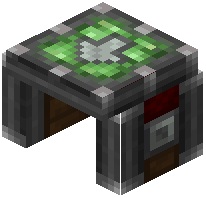 Cart Assembler to convert a built platform into a contraption that travels the shaft.
Control Stops
Place 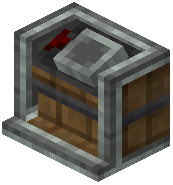 Contraption Controls at each floor so riders can call or stop the lift. Use a
 Controller Rail if the carriage runs on a track segment. Add a
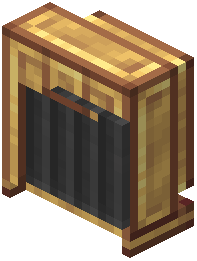 Brass Funnel or
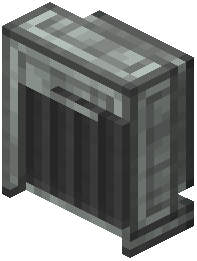 Andesite Funnel at each floor to move items on and off the carriage. Keep the shaft clear of obstructions and test with a Clutch toggle before adding cargo, so you can stop the lift instantly if something jams.


