

 DownloadCreate Rubberworks
Get the files on 9Minecraft
Contents (4)
Building the 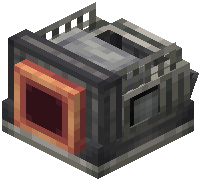 Compressor
Craft a Compressor block using an andesite casing and other Create materials. Place it in your production line near your fluid storage or 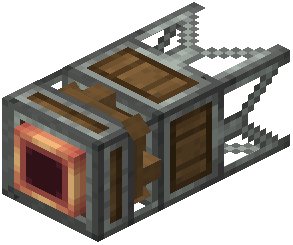 Sapper output.
Setting Up Fluid Input
Attach fluid pipes to the back of the Compressor and connect them to your  resin tank or Sapper output. The liquid will flow into the machine's internal tank. You can also manually insert buckets if needed.
Powering the Compressor
Connect a rotating shaft to the side of the Compressor block. Like the Sapper, it needs continuous rotational power—connect it to your main power network using cogwheels or shafts.
Collecting  Rubber Output
Once powered and filled with resin, the Compressor will begin pressing the liquid into solid rubber items. These items will drop into an output slot or can be collected with hoppers and item pipes. The compressor can also be heated for faster or alternative recipes if you add heat sources.