DownloadCopper Door Cutting Mod
Get the files on 9Minecraft
Setting Up Your Stonecutter
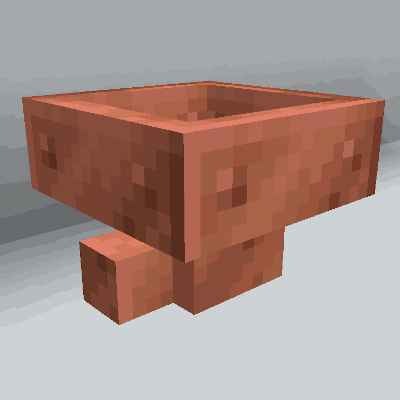
Place a stonecutter block in your world. You'll need copper blocks to use as input material. The mod adds stonecutter recipes for all copper block variants: regular, exposed, weathered, and oxidized copper.
Cutting Copper Doors
1. Open the stonecutter interface by right-clicking it
2. Place a copper block (any variant) in the input slot
3. Select the copper door recipe from the available options
4. Collect your copper doors from the output slot
The stonecutter will produce multiple doors per copper block—significantly more than crafting on a regular crafting table. This makes it the most efficient way to mass-produce copper doors. You can use any copper block variant; the mod supports recipes for all four oxidation stages, so weathered or oxidized copper works just as well as fresh copper blocks.