

 DownloadBotany Pots
Get the files on 9Minecraft
Crafting the basic pot
Start with the plain 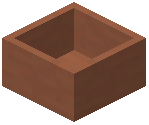 Botany Pot. It is produced through a shaped or shapeless crafting recipe using the mod's own ingredients. Once you have one Botany Pot in your inventory, you can use it as the base for every other variant.
Place the Botany Pot on any solid surface where you want to farm. The pot occupies a single block space and accepts a plant, a soil, and a tool slot.
Choosing a decorative variant
Every colored and material variant is a separate block: 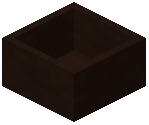 Black Botany Pot,
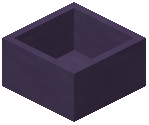 Blue Botany Pot,
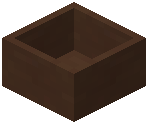 Brown Botany Pot,
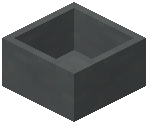 Cyan Botany Pot,
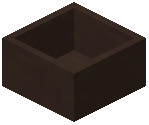 Gray Botany Pot,
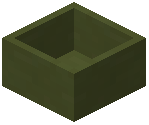 Green Botany Pot,
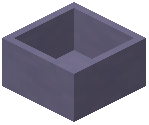 Light Blue Botany Pot,
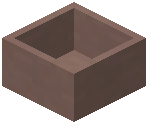 Light Gray Botany Pot,
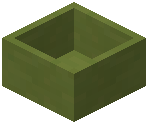 Lime Botany Pot,
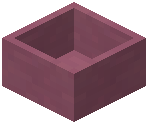 Magenta Botany Pot,
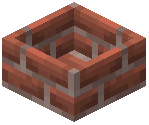 Brick Botany Pot,
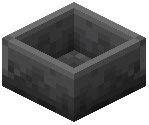 Deepslate Brick Botany Pot, and
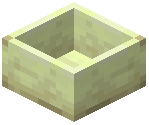 End Stone Brick Botany Pot. Concrete, glazed, waxed, and hopper versions of each color also exist, such as
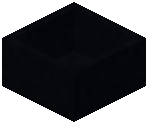 Black Concrete Botany Pot,
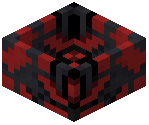 Black Glazed Botany Pot,
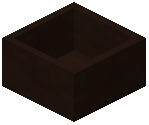 Black Waxed Botany Pot, and
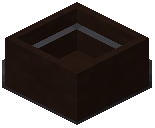 Black Hopper Botany Pot.
Use the plain Botany Pot for function and swap to a colored or material variant when you want the farm to match a build. Hopper variants add automated output, while waxed and glazed variants are decorative finishes of the same pot.


