

 DownloadArmourer's Workshop Mod
Get the files on 9Minecraft
Choosing a Base Cube
Every skin starts on a cube. Use 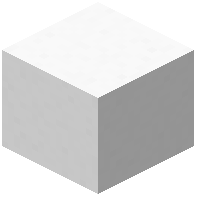 Skin Cube for a solid paintable surface or
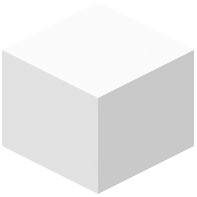 Glass Skin Cube for transparency. The Glowing variants of both emit light, which is useful for eyes, lamps and magic effects. Load the cube into the
 Skinning Table to begin editing.
The Editing Toolset
 Paintbrush — fine detail strokes.
 Paint Roller — fills larger areas quickly.
 Color Picker — samples a colour already on the model.
 Dye Bottle — applies stored dye colour.
 Soap — removes paint.
 Hue Tool — rotates the hue of a region.
 Shade Noise Tool and
 Color Noise Tool — add grain and variation.
 Blending Tool — smooths hard edges.
 Dodge Tool and
 Burn Tool — lighten and darken.
 Block Marker — flags specific faces for later work.
Saving and Reusing
When a skin is complete, store it in a  Skin Library. The
 Global Skin Library holds skins shared across your world. Use the
 Wand Of Style to transfer a look from one part to another, and the
 Armourers Hammer to break down or reset skin blocks. Apply saved skins to a
 Mannequin with the
 Mannequin Tool, or wear them yourself once the relevant slot unlock item has been used.


