

 DownloadApplied Energistics 2
Get the files on 9Minecraft
Core blocks
Place an 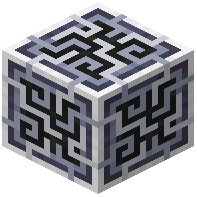 ME Controller as the center of the network. Run
 AE2 Cable and/or Bus (or any colored ME Glass Cable, ME Covered Cable, ME Smart Cable, or ME Dense Covered Cable) from the controller to each device. Every device must touch a cable or the controller.
Attach an 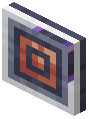 Energy Acceptor to the cable and feed it power. Without stored energy the network stays offline. Add an
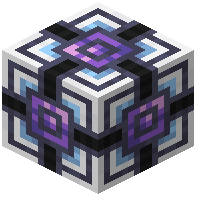 Energy Cell or
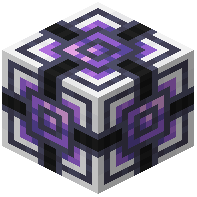 Dense Energy Cell on the cable to buffer power so the network survives short outages.
Adding storage
Place an 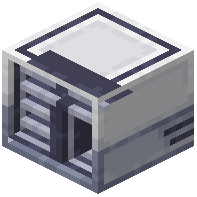 ME Drive on the cable. Craft
 1k ME Storage Component,
 4k ME Storage Component,
 16k ME Storage Component,
 64k ME Storage Component, or
 256k ME Storage Component, then combine a component with a housing to make the matching ME Item Storage Cell (1k, 4k, 16k, 64k, 256k). Insert cells into the ME Drive. For fluids, use
 1k ME Fluid Storage Cell through
 256k ME Fluid Storage Cell in the same drive.
Use an 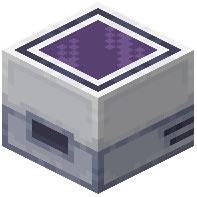 ME Chest for a single cell without a drive. Use
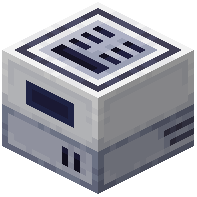 ME IO Port to move items between cells and the network in bulk. Connect
 ME Interface to expose the network to machines, and use
 ME Pattern Provider later for autocrafting. Right-click cables with a
 Certus Quartz Wrench to rotate or detach them, and place
 Cable Anchor or
 Cable Facade to tidy runs.


