

Guides
Step-by-step, in-game.
How to Craft the Menu and Custom Addon ItemsHow to Hide as a Block Using the SolidifierHow to Revert to Your Normal Player FormHow to Transform into Custom Characters and Use Special ItemsHow to Trigger Instant Transformations with Function CommandsHow to Use Mob Forms for Survival Exploration and Stealth
Recipes
Every recipe the mod adds, grouped by how it is made.
Items
92 items · showing 24. Browse all →
 Arthur
 Cherry Plank
 D1
 D2
 Devil Fruit
 DG Acacia Plank
 DG Acacia Sapling
 DG Allium
 DG Amethyst
 DG Andesite
 DG Bamboo Mosaic
 DG Bamboo Plank
 DG Birch Plank
 DG Birch Sapling
 DG Blue Orchid
 DG Brick
 DG Calcite
 DG Chair
 DG Cherry Leaves
 DG Cherry Sapling
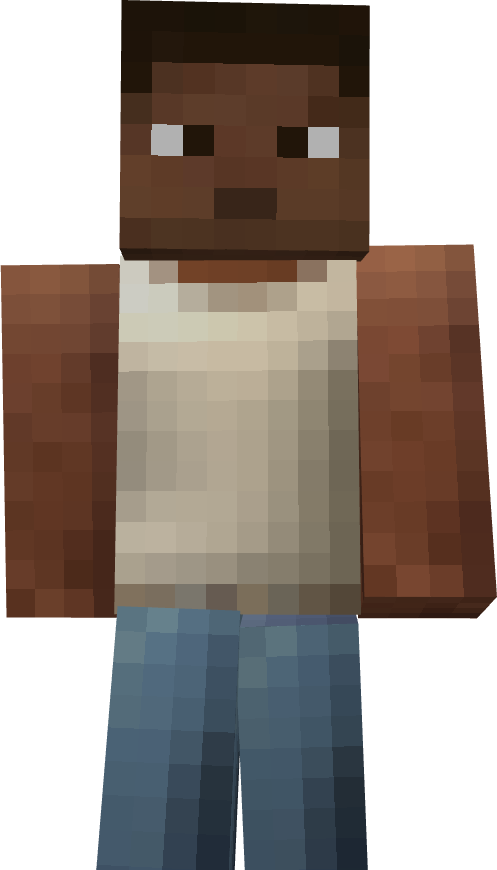 DG CJ
 DG Clay
 DG Coal Ore
 DG Cobbled Deepslate
Frequently asked questions
How do I open the morph  menu?
You need to hold and use the custom Menu item in your hand to open the transformation selection screen. From there, you can browse and choose any available mob, block, item, or character form.
Menu item in your hand to open the transformation selection screen. From there, you can browse and choose any available mob, block, item, or character form.How to craft the morph menu in survival?
You can craft the Menu item at a crafting table using 7 Paper, 1 Armor Stand, and 1 Leather.
Menu item at a crafting table using 7 Paper, 1 Armor Stand, and 1 Leather.How do I turn back into a normal player?
Open the transformation menu using the Menu item and select the revert option to restore your default player skin and normal traits.
menu using the Menu item and select the revert option to restore your default player skin and normal traits.What are the recipes for the D1 and D2 items?
D1 is crafted using 2 Iron Nuggets, 1 Amethyst Shard, 1 Blaze Rod, and 1 Stick. D2 is crafted using 4 Gold Ingots, 2 Amethyst Shards, and 1 Stick.
See all 16 The Ultimate Morph Addon Mcpe questions ›
Related mods
Other wikis you may find useful.