
How to Read Redstone Energy Levels on Wires with XK Redstone Display
What the wire overlay shows
With XK Redstone Display installed, powered redstone dust no longer looks like a flat red line. The pack overlays a signal-strength readout directly on the dust, so you can see at a glance how much power is reaching each segment. Strongly powered dust and weakly powered dust are visually distinct, which matters when you are chasing a signal that fades before it reaches its 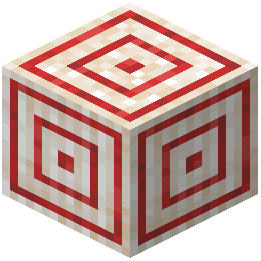 target.
Using it to debug a fading line
1. Place your redstone line as normal and power it from the source end.
2. Walk along the line and watch the readout change segment by segment. A drop you did not expect usually means the line is longer than the signal can carry, or a component in the middle is consuming power.
3. Compare the reading at the source with the reading at the destination block. If the destination shows no signal, the line is too long — insert a repeater or move the power source closer.
4. When two lines cross or run parallel, check that the readout on the line you did not intend to power stays at zero. Accidental cross-powering is one of the most common redstone bugs, and the overlay makes it obvious.
Reading repeater and comparator output
Repeaters and comparators also display their output state, so you can confirm whether a repeater is actually firing and whether a comparator is passing a signal through or cutting it off. If a downstream circuit behaves oddly, check the component immediately before it first — the display will usually show the break there.