
Dye Individual Layers on Clothing Items
Access the Dyeing Interface
Once you've crafted a clothing item on the 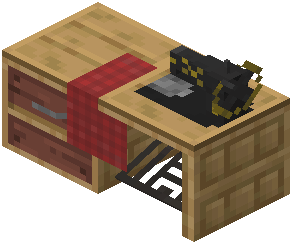 Sewing Table, place it back into the result slot. The table will display each color layer of that item separately, allowing you to target specific parts.
Select and Dye Each Layer
The Sewing Table shows all dyeable sections of your garment as individual slots. Insert dye materials (such as colored wool, flowers, or other dye sources) into the slot corresponding to the layer you want to change. The mod supports multi-layer dyeing, meaning a single vest or shirt can have different colors on its base  fabric, straps, pockets, and other distinct parts.
Retrieve your item once you've finished coloring. You can repeat this process as many times as you like to refine your outfit's appearance. This system lets you create highly personalized gear that matches your playstyle or aesthetic preferences without needing multiple identical items.