

Building Your First Portal
Start by crafting 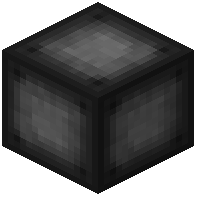 Portal Frame blocks and arranging them into your desired shape—any size up to 400 blocks is allowed. Ensure all corners are filled in completely. Replace one Portal Frame with a
 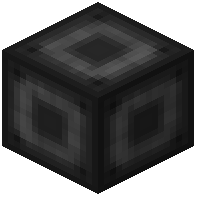 Portal Stabilizer, which will serve as your portal's control point.
Next, use a Target Definition Device to set your destination by right-clicking the Portal Stabilizer to open the portal's GUI. Once your target location is defined, activate the portal through the Stabilizer. Your portal is now functional and ready to teleport you to the linked location.
Optionally, use dyes to customize the inner color of your portal. If you need multiple destinations, use Target Cells to store and switch between different locations from the portal's GUI.