
Create a Natural-Looking Beach Gradient
Setting Up Your Shoreline
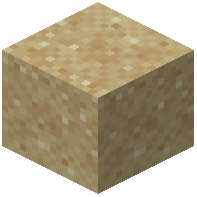 Wet Sand Mod automatically creates color gradients when sand blocks are near water. To build a realistic beach:
1. Place sand or red sand blocks in a sloped pattern leading into your water source
2. The mod will gradually wet blocks up to three blocks away from water
3. Blocks closer to water will appear darker and more saturated in color
4. Blocks further away will show lighter, drier tones
Controlling the Effect
You can manually adjust wetness levels by right-clicking wet blocks with an empty glass bottle. Each click reduces the wetness by one level, letting you fine-tune the gradient exactly where you want it. This is useful if the automatic spread doesn't match your desired beach aesthetic, or if you want to create sharp color transitions for decorative patterns.
The effect works best on flat or gently sloping terrain. Experiment with different sand types and water configurations to achieve the beach look you're going for.