
Use the Iron Wrench to Rotate Blocks Easily
Craft an Iron  Wrench
Combine two iron ingots and one stick in a crafting table to create an Iron Wrench. This tool lets you rotate directional blocks without breaking and replacing them.
Rotate Blocks
1. Hold the Iron Wrench in your hand
2. Right-click on any directional block (Choppers, Conveyors, Fans, furnaces, stairs, etc.)
3. The block rotates to face a new direction
4. Repeat until the block faces your desired direction
Save Time and Resources
Instead of breaking a 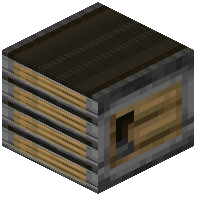 Conveyor belt and placing it again, simply wrench it to change direction. This is especially useful when building large automation systems where repositioning is common. The wrench doesn't wear out, so you only need to craft it once.
Works on Vanilla Blocks
The wrench works on all rotatable blocks in the game, not just mod-added ones. This makes it a handy tool for any building project involving directional blocks like stairs, logs, or observer blocks.