
Vanilla Mashup Pbr Resource Pack Wiki › Guides › Adjust Connected Textures for Seamless Block Appearance
Adjust Connected Textures for Seamless Block Appearance
What Connected Textures Do
Connected textures make adjacent blocks of the same type blend together visually, eliminating harsh lines between  stone, wood, and other materials. Vanilla Mashup includes seamless connected texture support.
Enabling Connected Textures
1. Open your launcher settings and navigate to resource pack options.
2. Ensure Vanilla Mashup is active in your resource pack list.
3. Check your Minecraft version: connected textures work best on versions with native support or with a mod that enables them (such as Continuity or similar).
4. Load a world and observe blocks like stone, 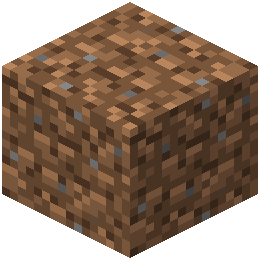 dirt, and wood—they should now connect smoothly across surfaces.
Visual Result
Instead of seeing individual block faces, you'll see flowing patterns that make terrain feel more cohesive and natural.
If Textures Don't Connect
- Install a connected texture mod if your version doesn't support it natively.
- Verify the resource pack is loaded above any conflicting packs.
- Restart your game after making changes.