
Building Your First Road
Getting Started with Road Construction
Begin by placing 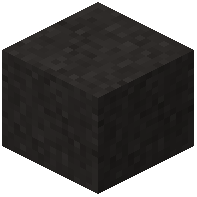 asphalt or
 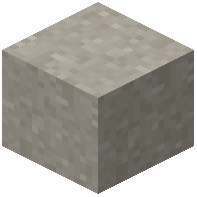 concrete blocks along your desired route to form the road surface. Use slope blocks like snow layers to create smooth elevation changes for hills and ramps.
Once your base road is laid, hold a  paint brush with dye to paint lane markings and crossing lines directly onto the road blocks. The mod supports all sixteen dye colors for variety.
Add traffic signs near intersections by right-clicking them to select graphics or type custom text. Place traffic lights at busy crossings and configure their signal cycles using the in-game editor.
Finish your street by adding street lamps along sidewalks (set their day/night schedule), guardrails, barriers, and cones to define lanes and protect areas. Use the specialized road building tools to speed up placement of long highway sections.